4. Inside Lips
(唇の内側)

01.

I am going to display upper lip only and fix the shape.
First, select the top on the lip like the picture above.
上唇だけを表示し、唇の内側を修正します。
最初に 図のように面をセレクトします。
02.

Expand the selection. Shift + >
Shift + > で範囲を広げます。
03.

Click Isolate Select button.
Isolate Select ボタンでセレクトした部分だけを表示します。
1.

正面からみた形。唇の形はキャラ クターによって違うので そっくり真似る必要はありませんが、クリーンなエッジの流れをチェックします。
2.
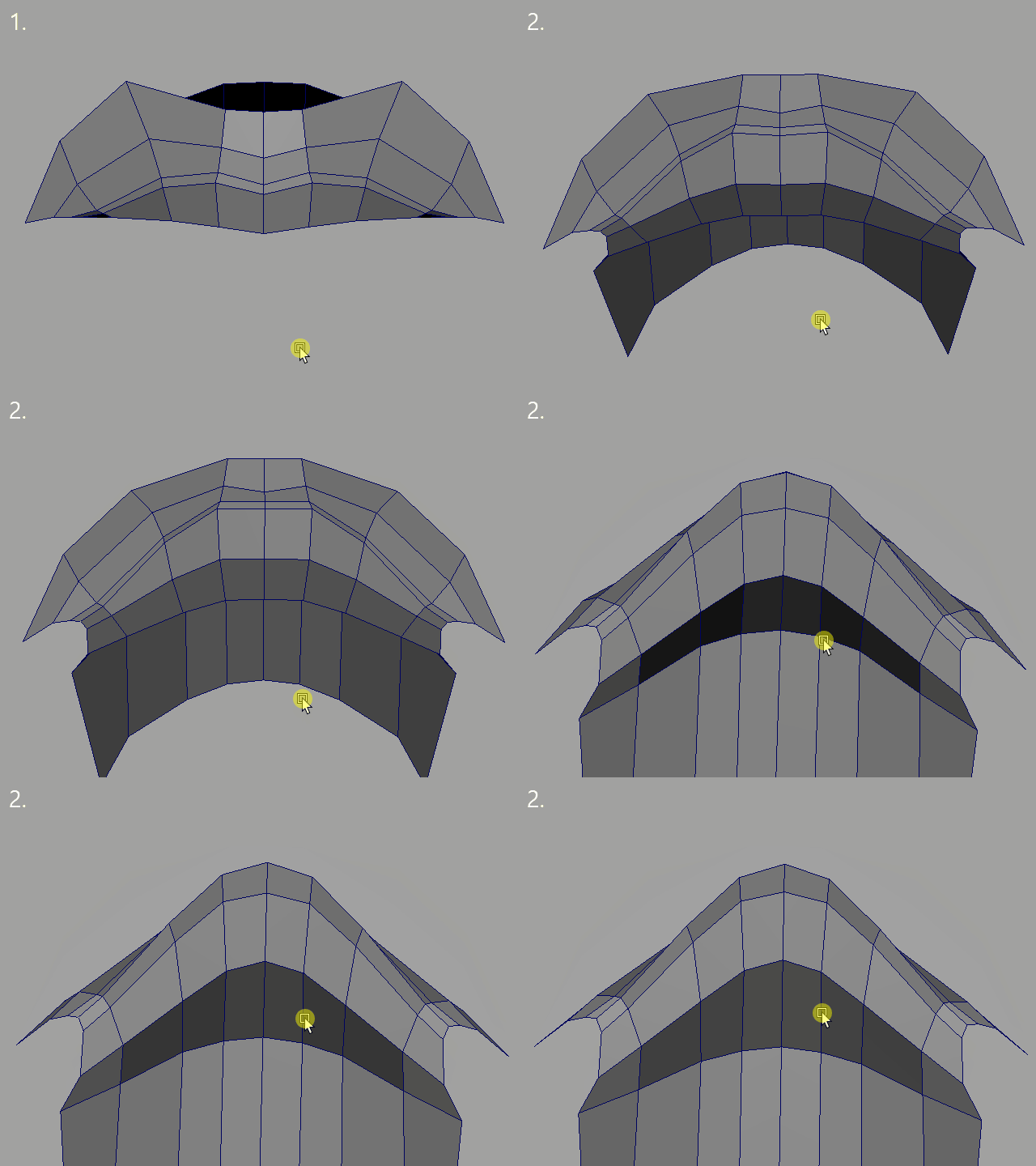
カメラを回転
2b.
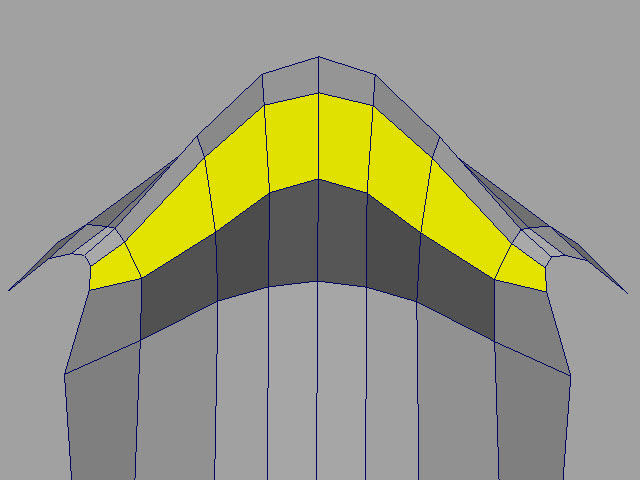
Inside lip (Thickness of the lip) is important when you make facial expressions.
Make sure the edge flows are clean.
唇の内側の厚みは顔の表情を作る ときに重要です。
このように均一にクリーンなエッジフローをチェックします。
3.

下唇も同じようにチェックします。
4.
 このように均一に広げます。