Extrude Fingers
指をExtrude する

1.
Adjust the thickness of the thumb and palm
親指と手の平の厚みを調整します。
2.
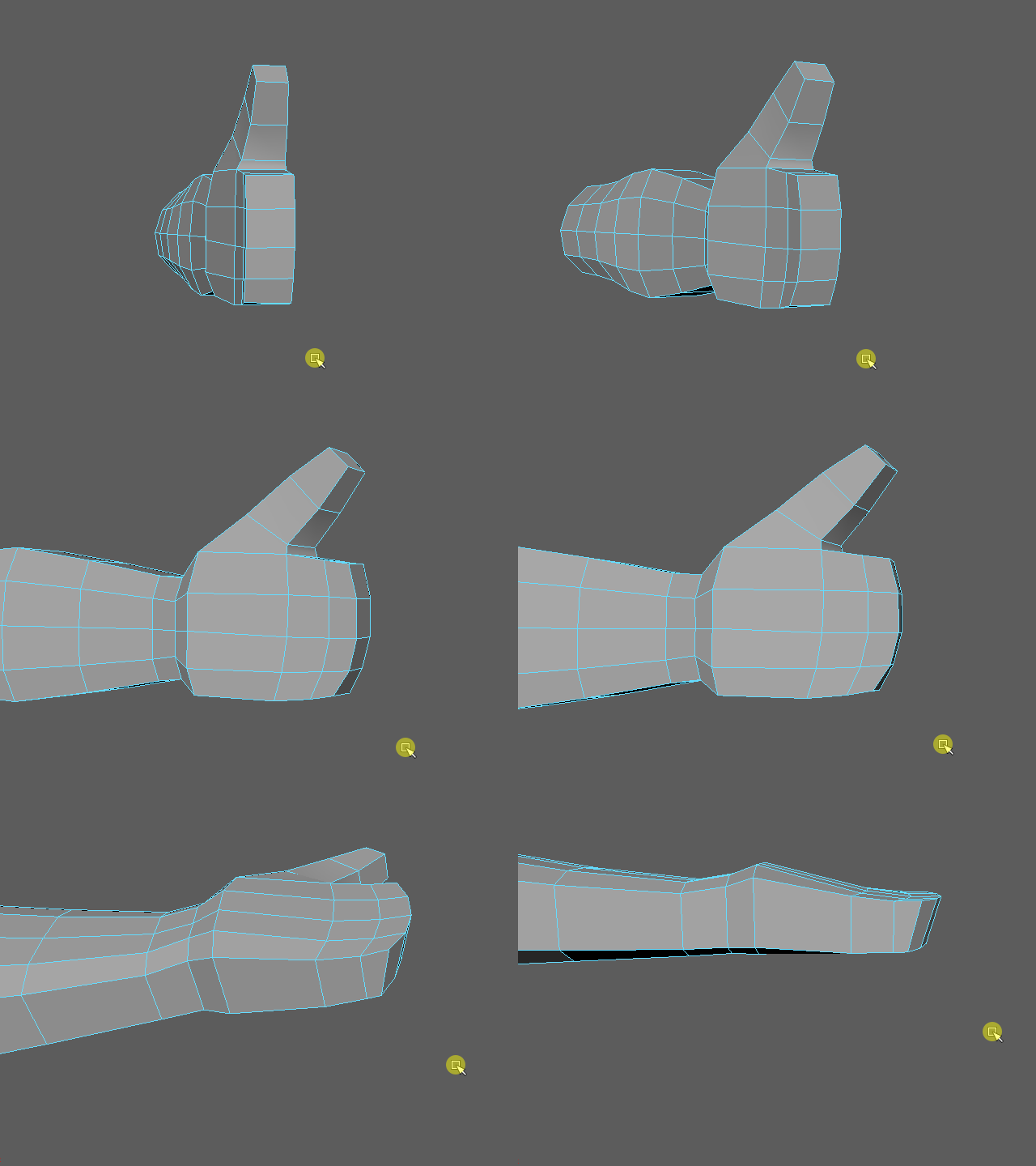
Check the shape from different angles.
いろいろな角度から形をチェックします。
3.
4.

Select the face of the middle finger.
中指の面をセレクトします。
5.
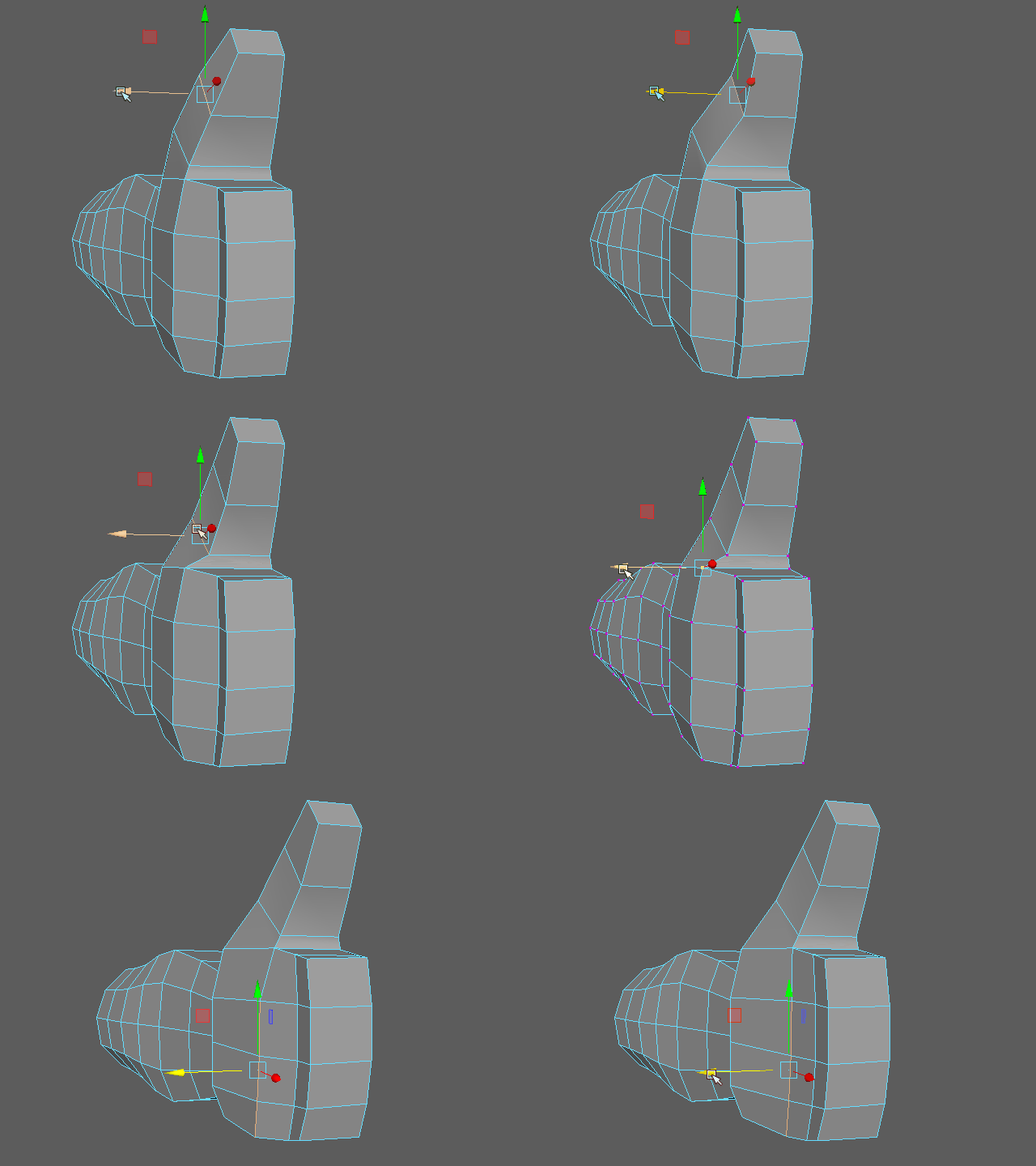
Now I am going to extrude the middle finger.
次に中指をExtrude します。
6.
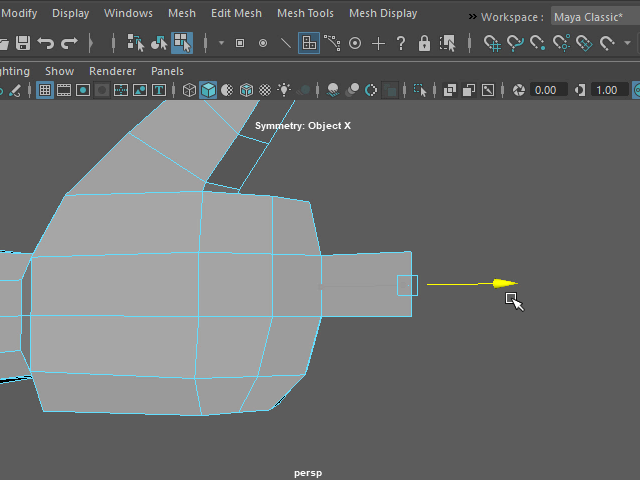
Extend up to the joint.
関節の部分まで移動します。
7.
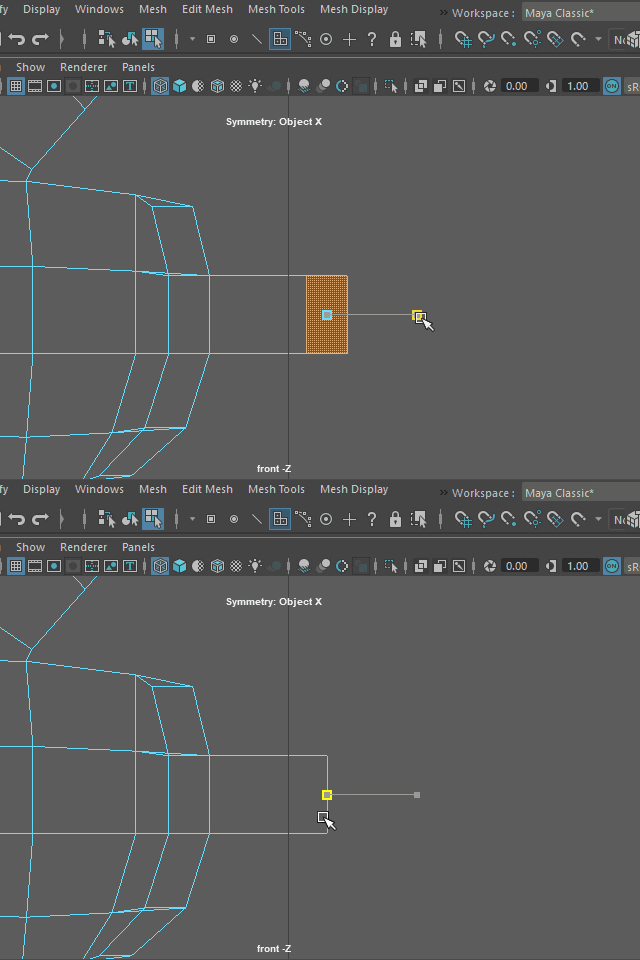
Scale down on X direction and make the face flat.
X方向にスケールを小さくし、面をフラットにします。
8.
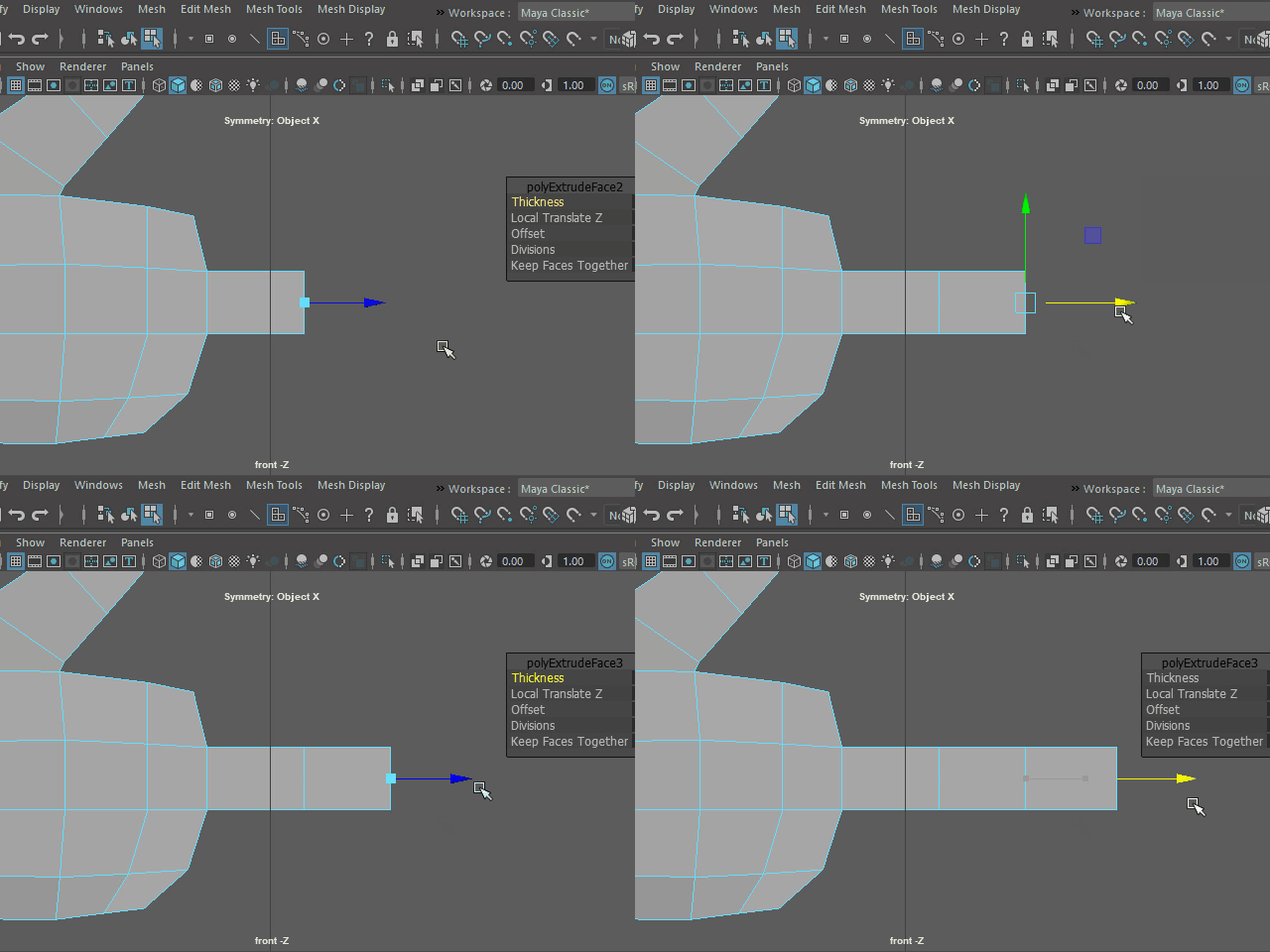
Extrude two more times and make a finger.
あと二回 Extrude し、指を作成します。
9.
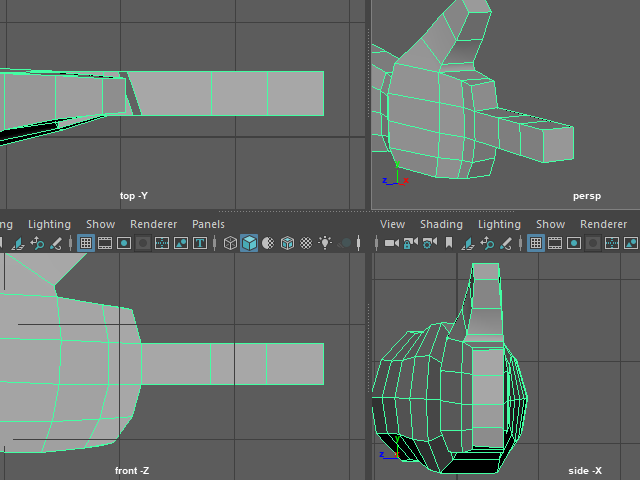
Check from the different view.
他のビューからチェックします。
10.
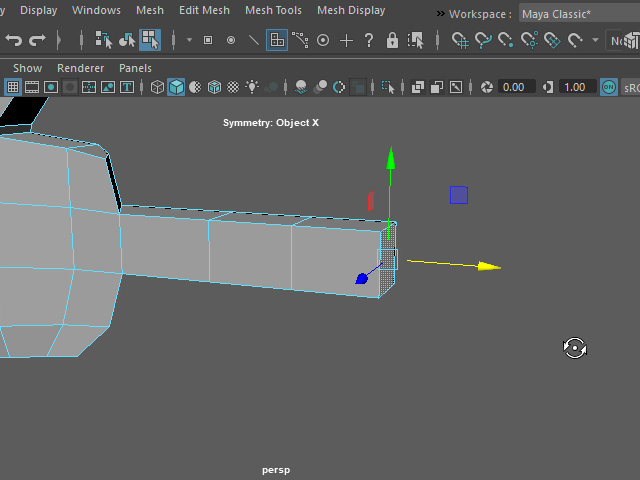
I am going to make a pointy finger for a female character.
First, select the tip of the finger.
女性キャラクターの場合は指先を細くします。
まず指先の面をセレクトします。
11.
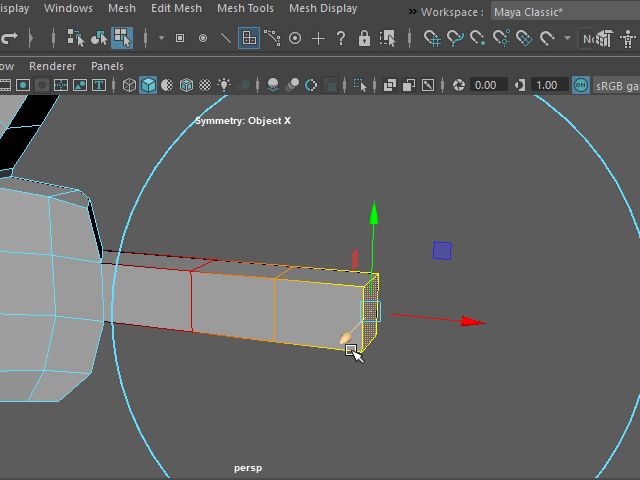
Next, hit B and apply Soft Selection.
Adjust the size by holding B.
次にキーボードBを押し、Soft Selection を適用します。
B を押した状態で範囲を調整します。
12.
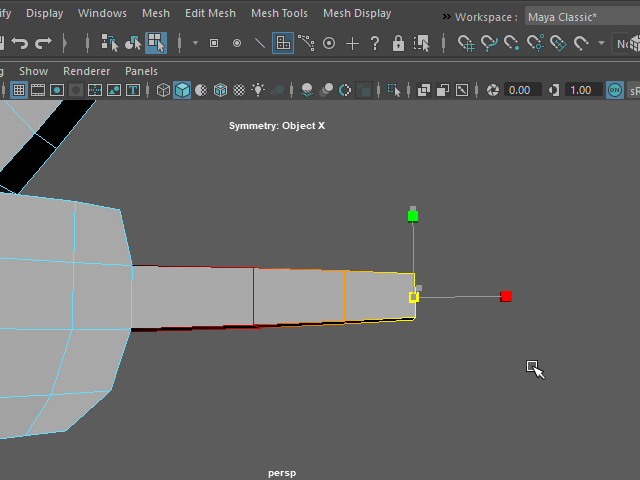
Scale down on Y and Z and make a pointy finger.
Y 方向とZ 方向にスケールを小さくして尖った形にします。
13.
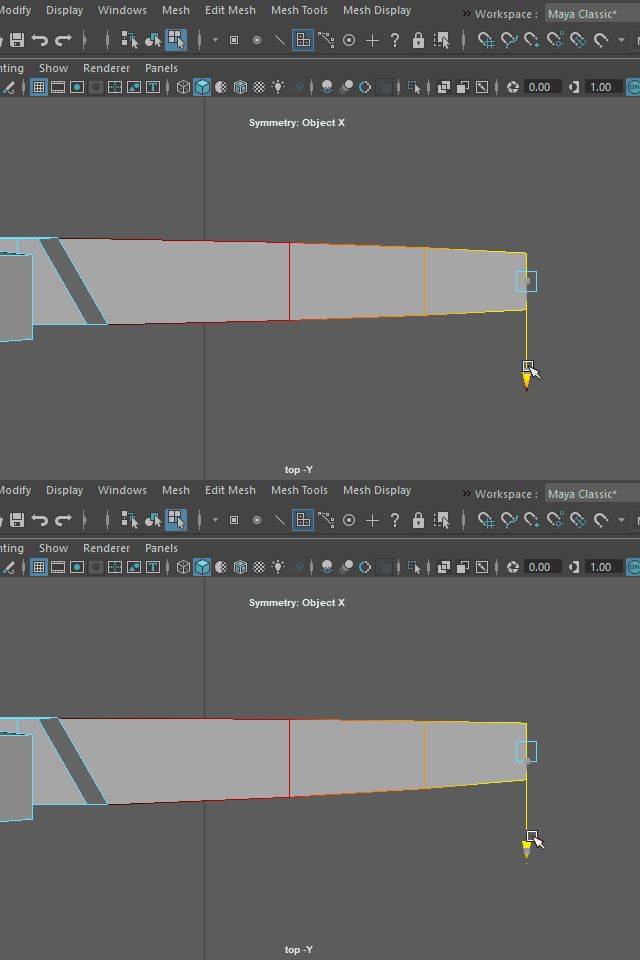
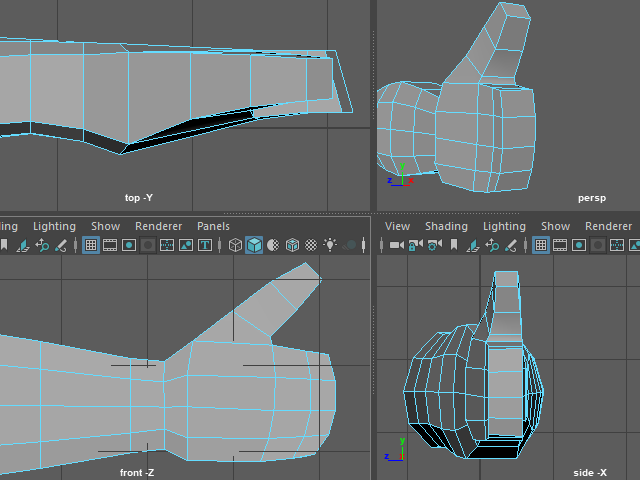
Move to Z direction and make the back surface straight.
Z 方向に移動し、手の甲の部分の面をまっすぐにします。
14.
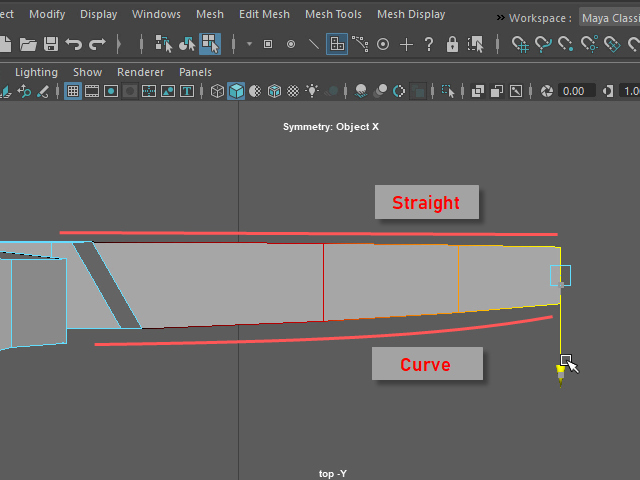
Move to Z direction and make the back surface straight.
Z 方向に移動し、手の甲の部分の面をまっすぐにすると、このようになります。
15.
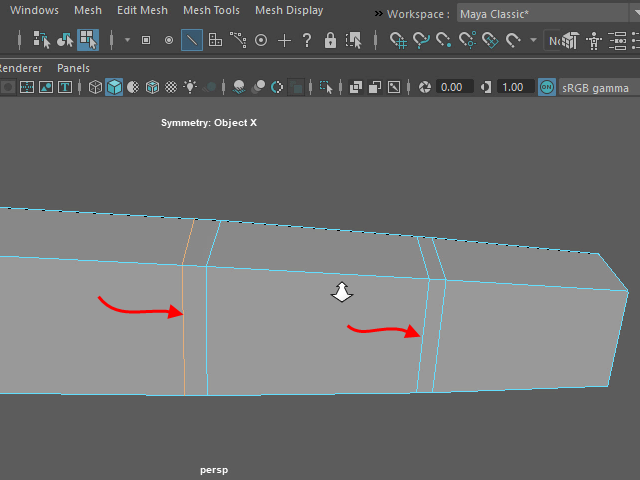
Add one more edge loop on the joints.
関節にエッジループをもう一本追加します。
16.
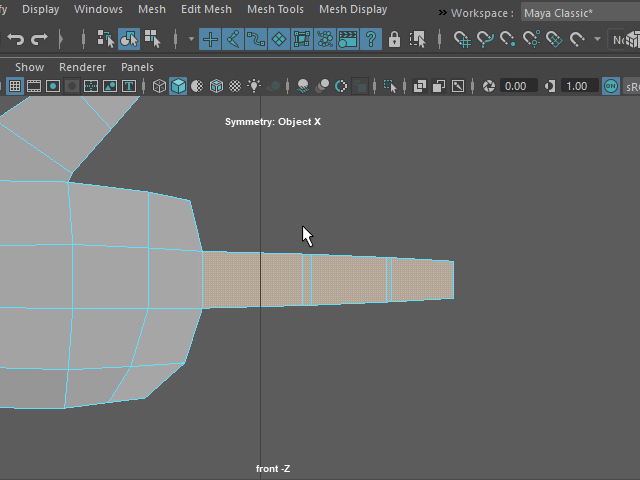
Next, I am going to make other fingers by duplicating the middle finger.
Select the all faces from the middle finger.
次に中指を複製し、他の指を作成してみます。
まず、中指の面をすべてセレクトします。
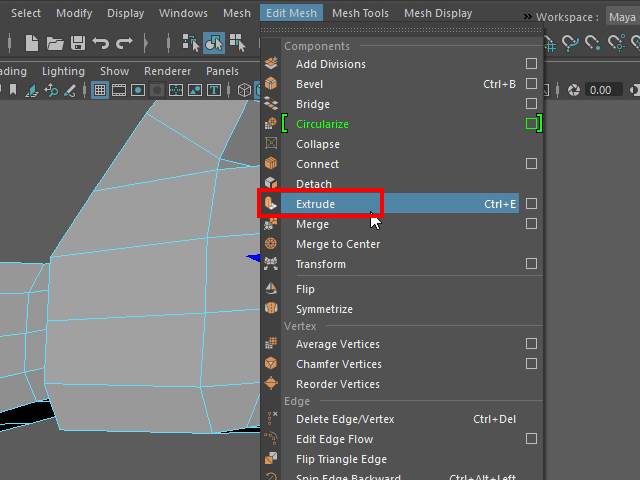
17.
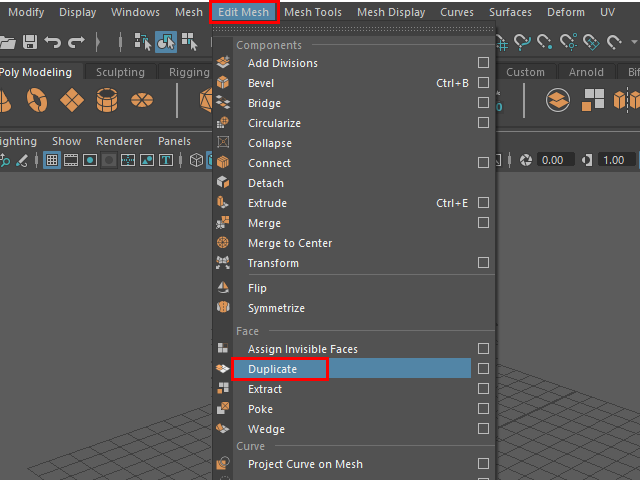
To duplicate the selected faces, Edit Mesh > Duplicate
セレクトした面を 複製する方法は、Edit Mesh > Duplicate
18.
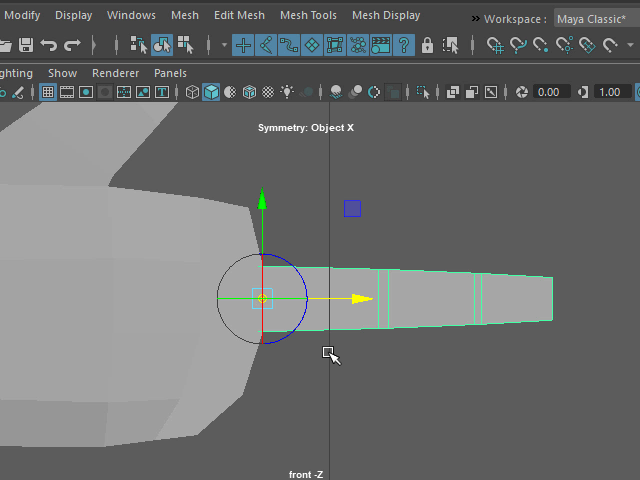
Select the duplicated finger and move the pivot to the root of the finger.
複製した指をセレクトし、軸を指の付け根に移動します。
19.
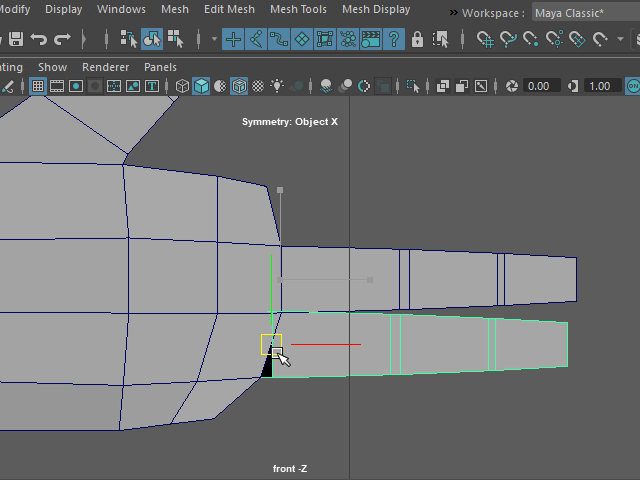
Move to the side and adjust the size.
横に移動し、大きさを調整します。
20.
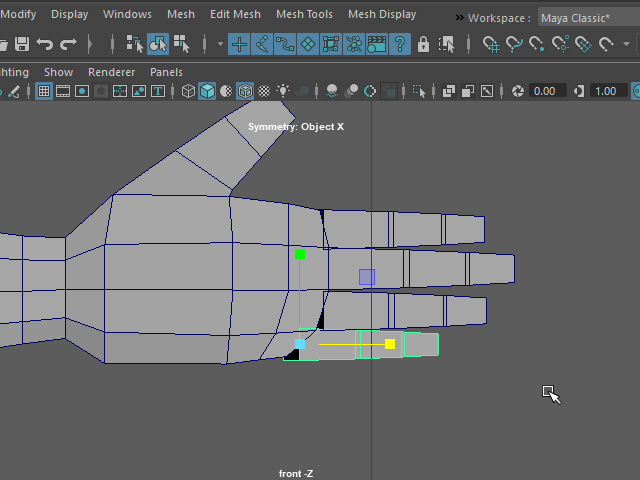
Duplicate the finger and make all other fingers.
指を複製し、他の指も作成します。