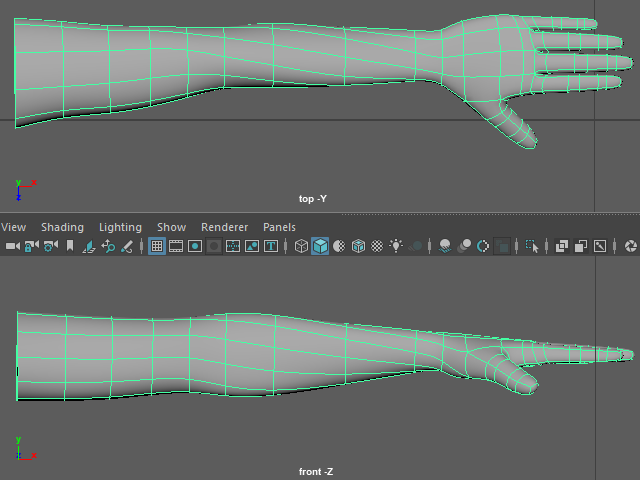
Rotating Hand
手を回転させる

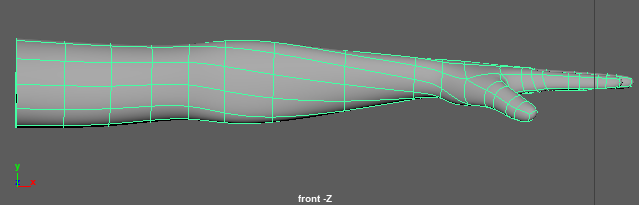
I am going to rotate hand like this.
This is just optional. You don't have to do it.
Some animators and riggers like this position.
If you are working with someones, ask them which position they want.
このように手を手前に回転させてみます。
これはオプショナルで、絶対に必要というわけではありません。
アニメーターやリガーの方にはこのようなポジションを好む場合があります。
チームプロジェクトの場合は、どのポジションが良いか、意見を聞いてから制作します。
1.

Select the vertices from the hand.
手のバーテックスをセレクトします。
2.

Hit B and apply Soft Selection.
Adjust the size by holding B.
キーボードBを押し、Soft Selection を適用します。
B を押した状態で範囲を調整します。
3.

Rotate the hand.
手を回転させます。
4.

Move down the hand.
手を上下に移動し、形を整えます。
5.
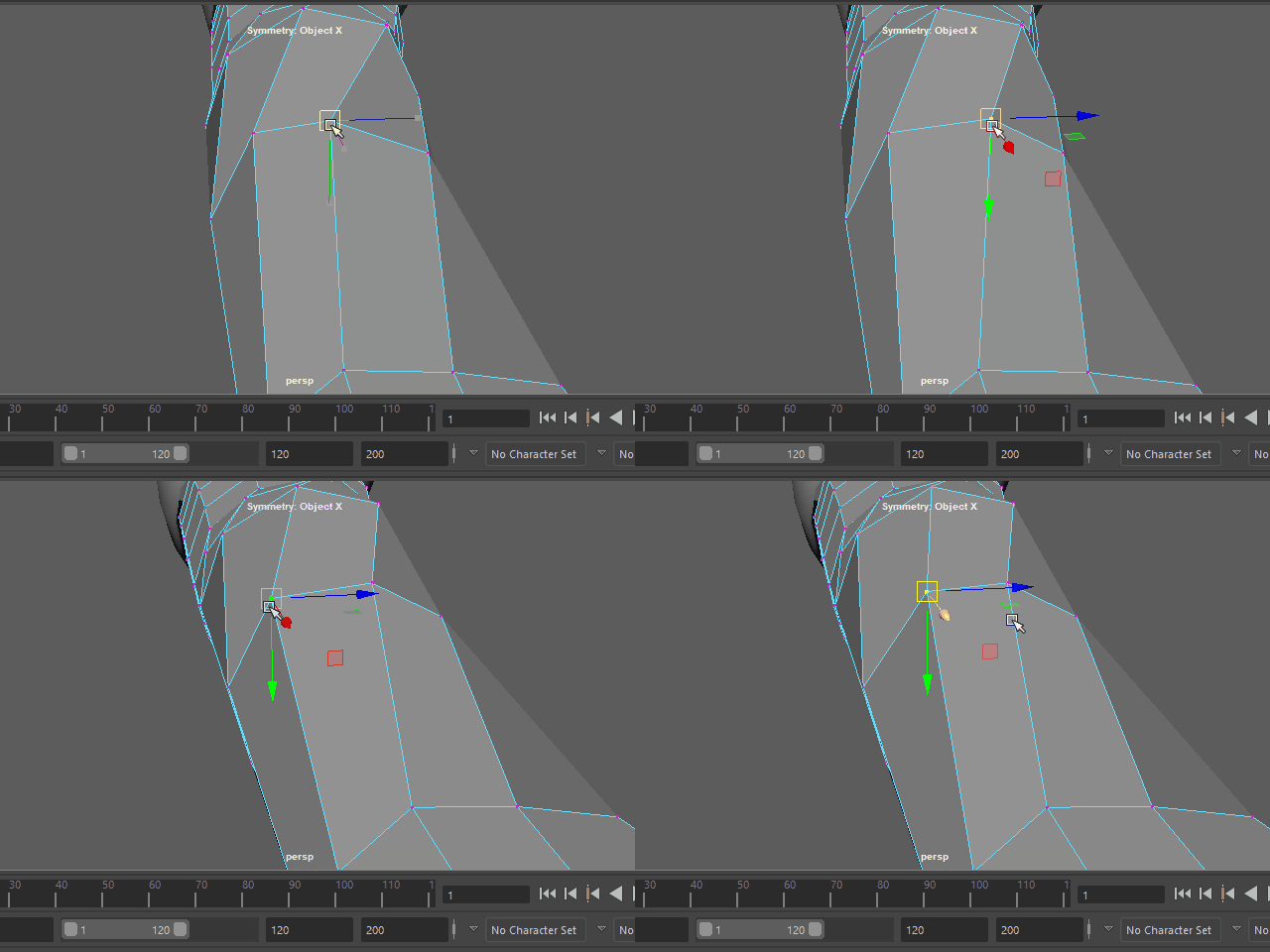
Make smooth wire flows.
エッジの流れをスムーズにします。
6.
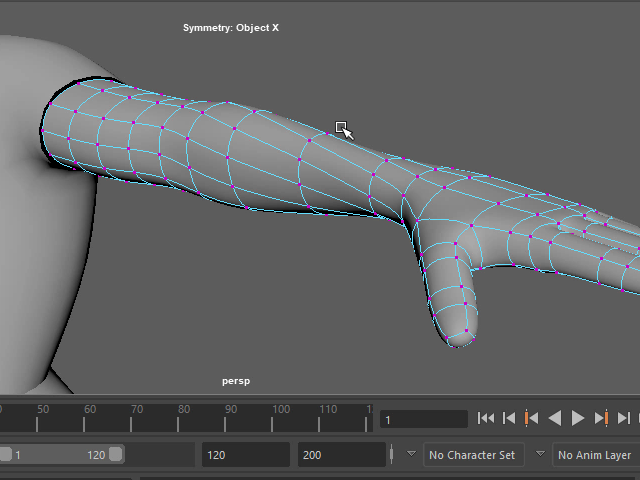
Make smooth wire flows.
エッジの流れをスムーズにします。
7.