1. UV Map
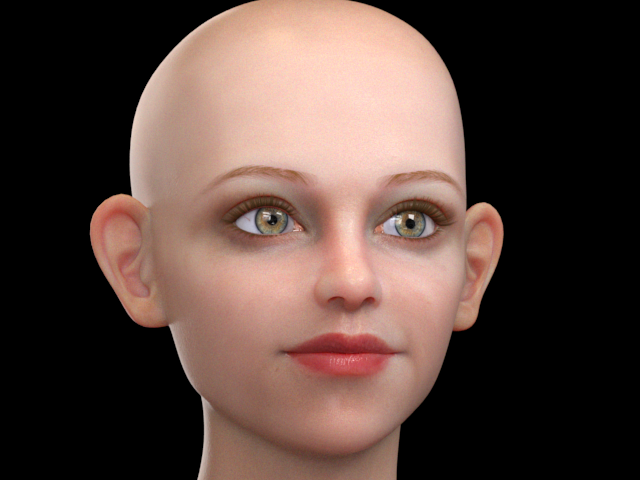
I am going to create a realstic skin texture like this.
このようなリアルなスキン テクスチャを制作してみます。
1.
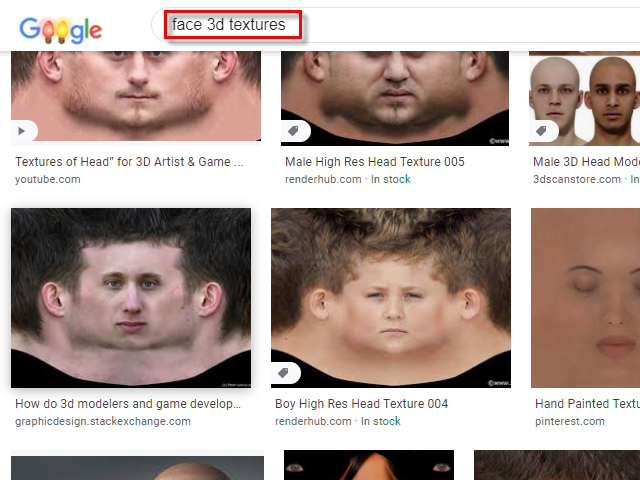
Serch face 3D textures.
face 3D textures で検索します。
2.
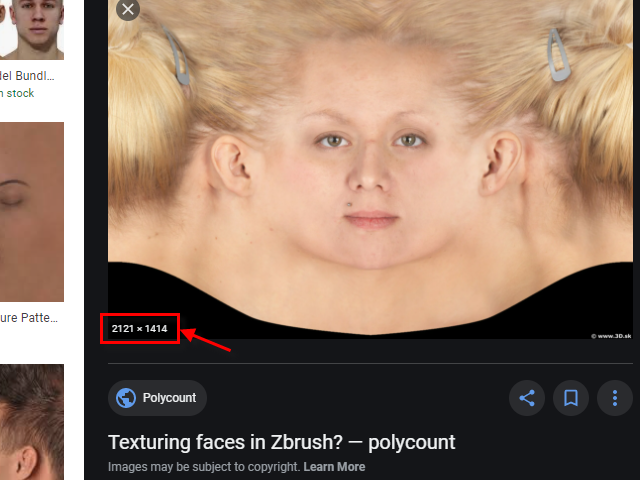
Choose a high res image as possible.
できるだけ解像度の高い画像を選びます。
3.
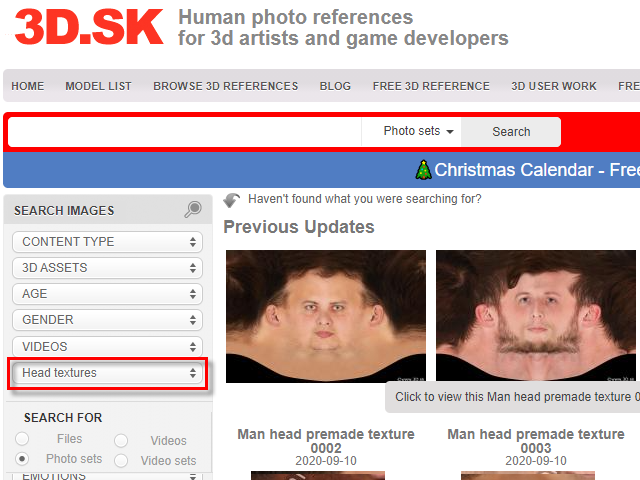
To purchase images, go to
以下のサイトから購入できます。
www.3D.sk
www.renderhub.com/3d-skin-textures
4.

I am going to make a UV map to match for this image.
この画像に合うUVマップを作成してみます。
●Download this image (この画像をダウンロードする)
5.
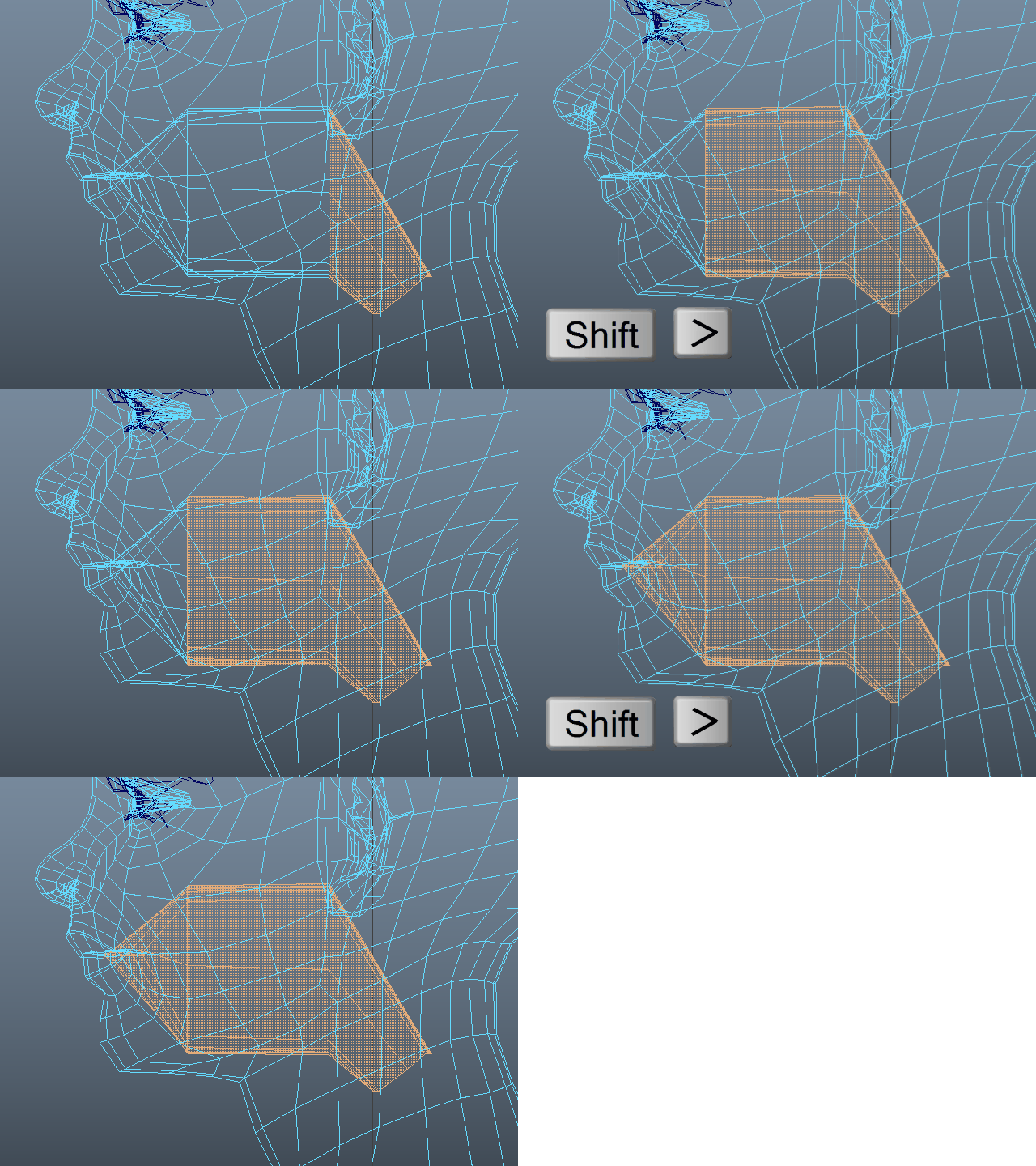
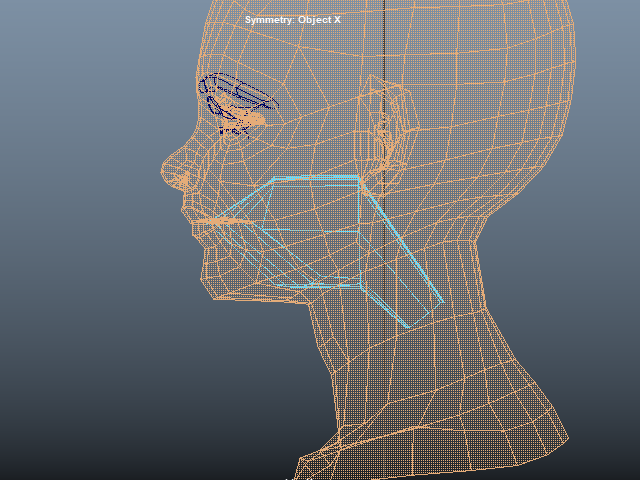
Select faces in side the mouth.
口の中の面をセレクトします。
6.
Reverse selection. (Shift + Drag)
反転します。(Shift + Drag)
7.
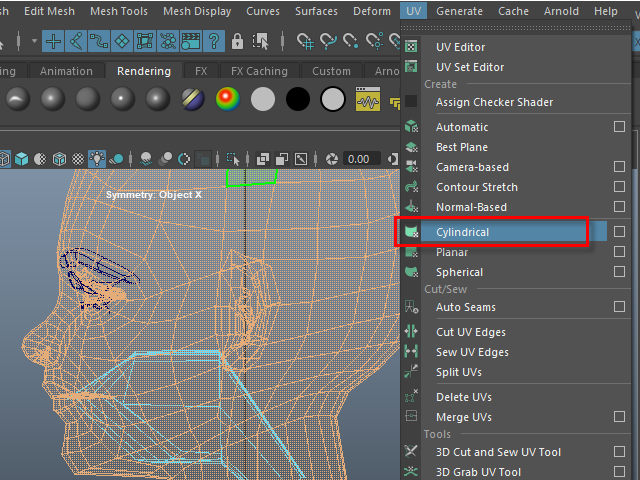
Apply Cylindrical uv map.
Cylindrical uv mapを適用します。
8.
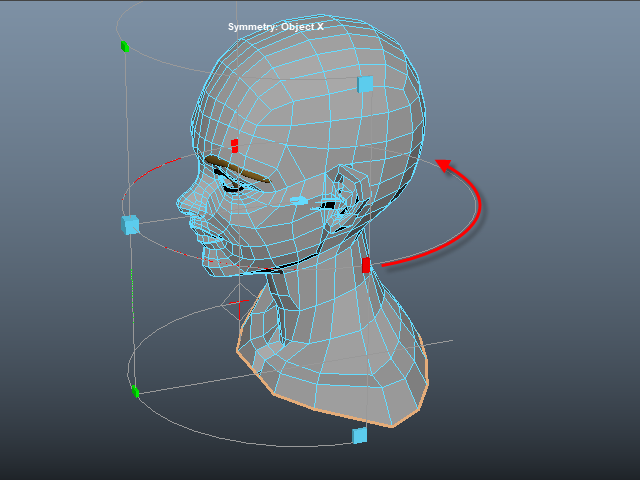
Move the red mark all the way back.
赤いマークを後ろまで移動します。
9.
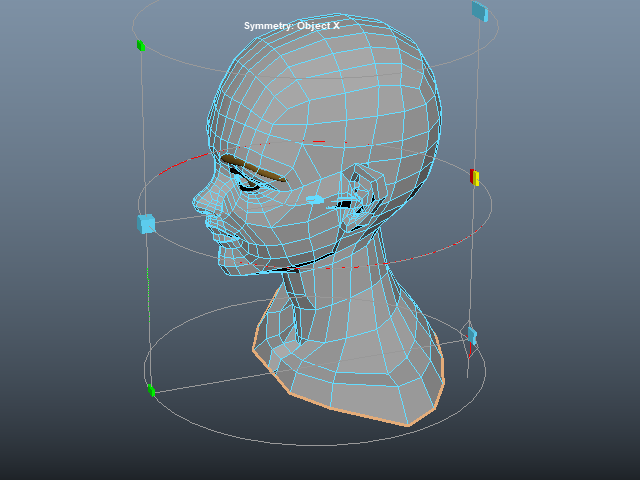
It's going to be like this.
このようになります。
10.
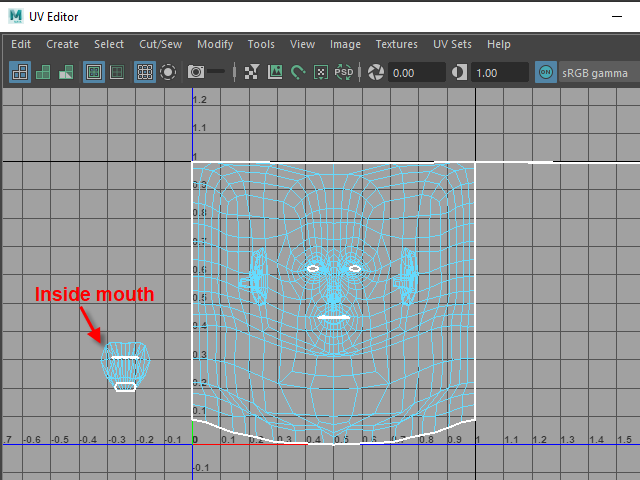
Move the inside mouth aside.
You don't need to unfold it if you are not planning to paint.
口の中は横に移動します。
特にペイントする必要が無ければUV展開する必要はありません。
11.
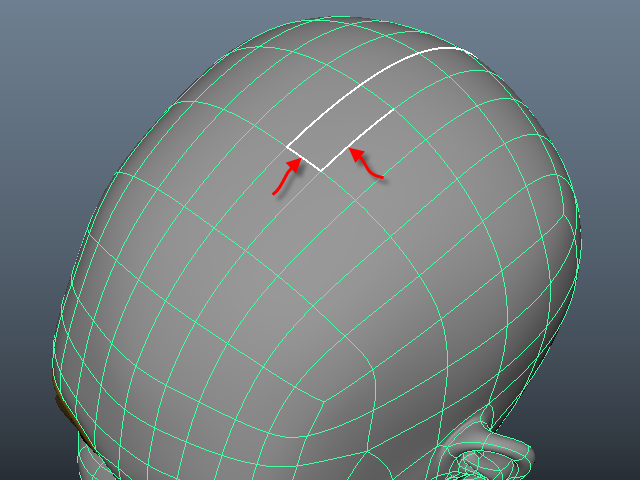
These edges need to be sew.
このエッジは つなぎ合わせます。
12.
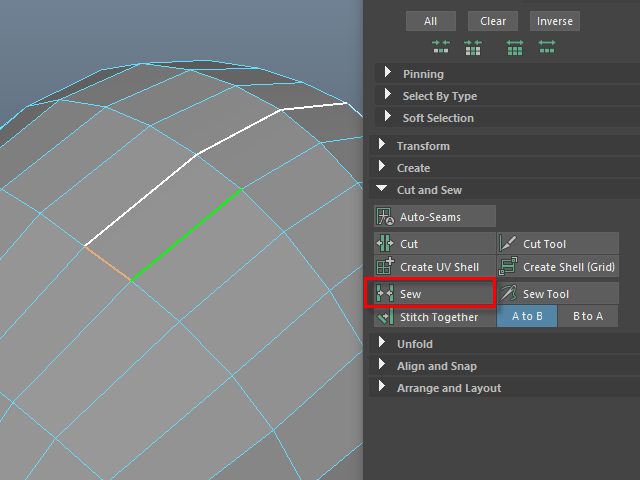
Select the edges and apply Sew.
エッジをセレクトし、Sew でつなぎ合わせます。
13.
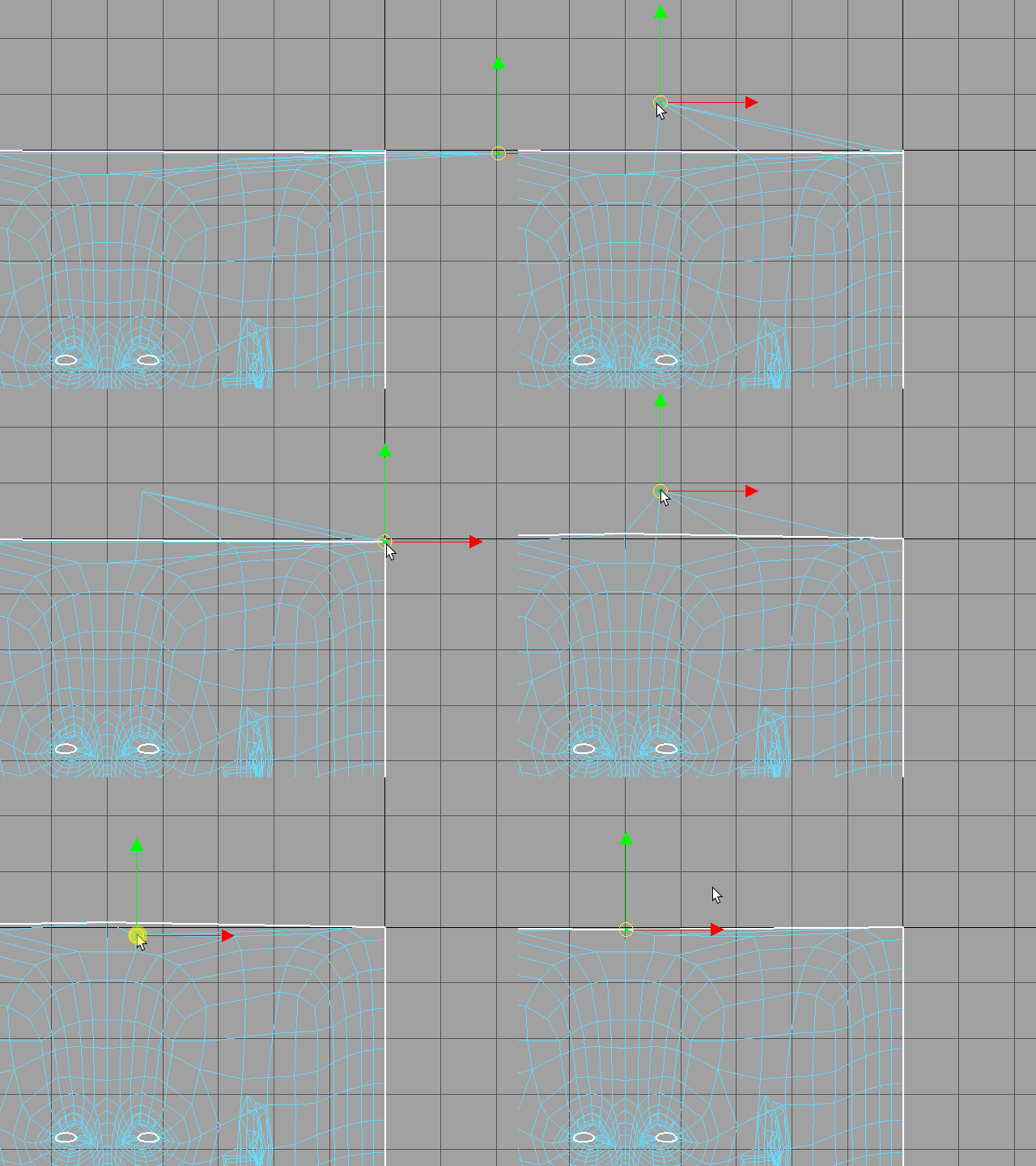
Move outside uvs in and fix the shape.
外側にはみ出た UV を移動し形を調整します。
14.
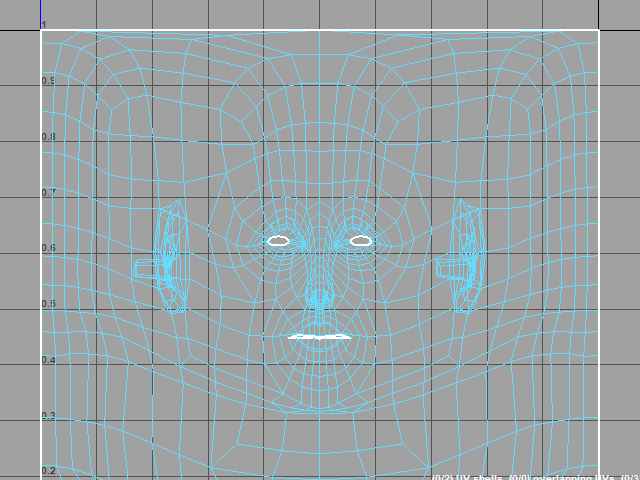
It's going to be like this.
このようになります。