3. Adjust UV Map on the Eye
目のUV マップを修正
1.
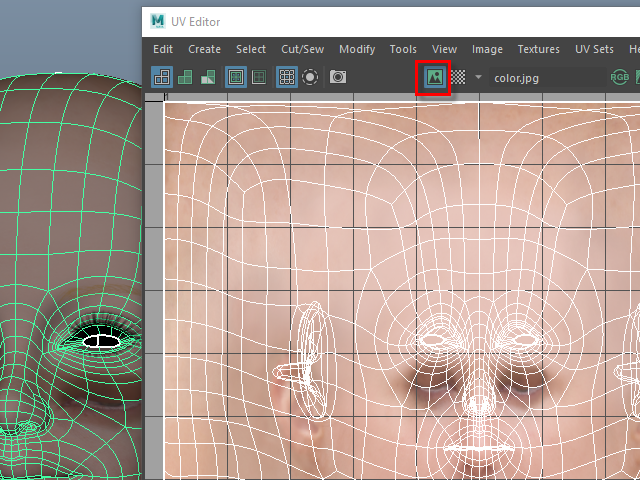
Open UV Editor and display the image.
UV Editor をオープンし、画像を表示します。
2.
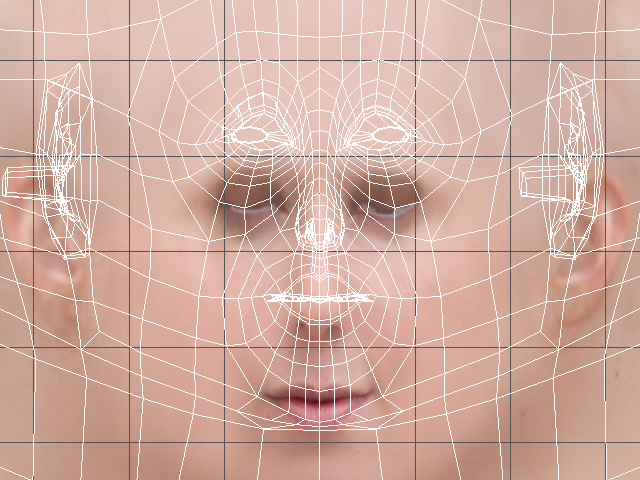
The image and the uv map don't match.
画像とUVマップにズレがあります。
3.
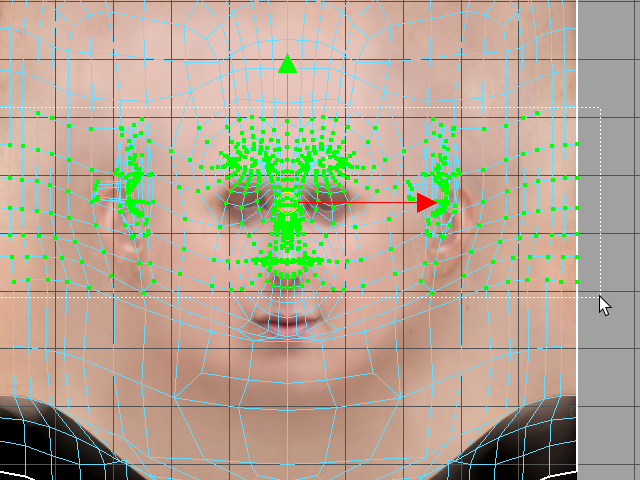
Select uvs from the eyes to the mouth area.
目から口のあたりまでのUVを このようにセレクトします。
4.
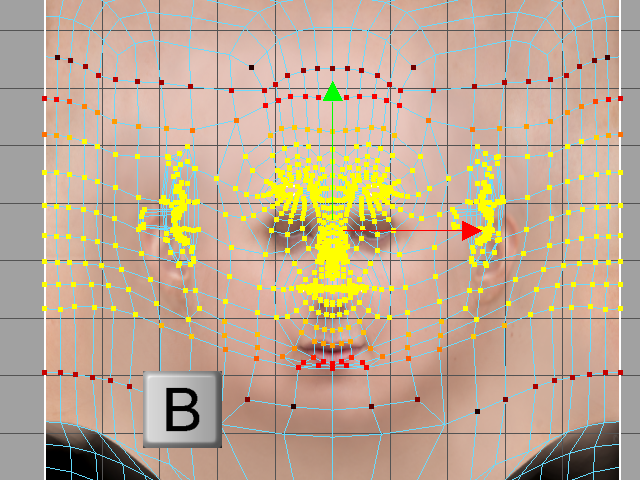 Hold B and adjust the softness like this. (There is no circle to indicate influences. )
 キーB でソフトの範囲を調節します。(範囲を表示するサークルは表示されません。)
5.
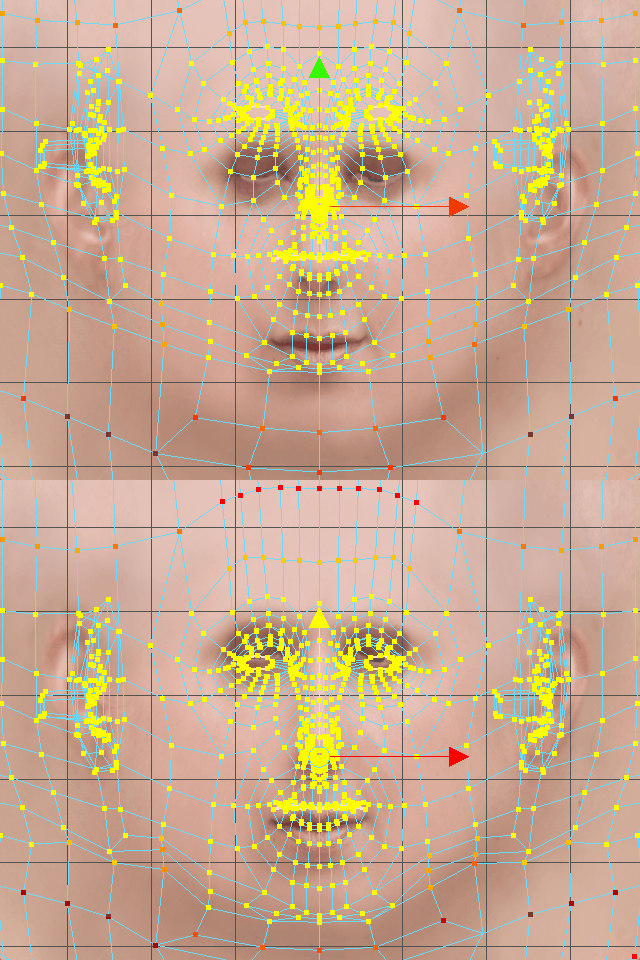
Move down.
下に移動します。
6.
7.
8.
9.
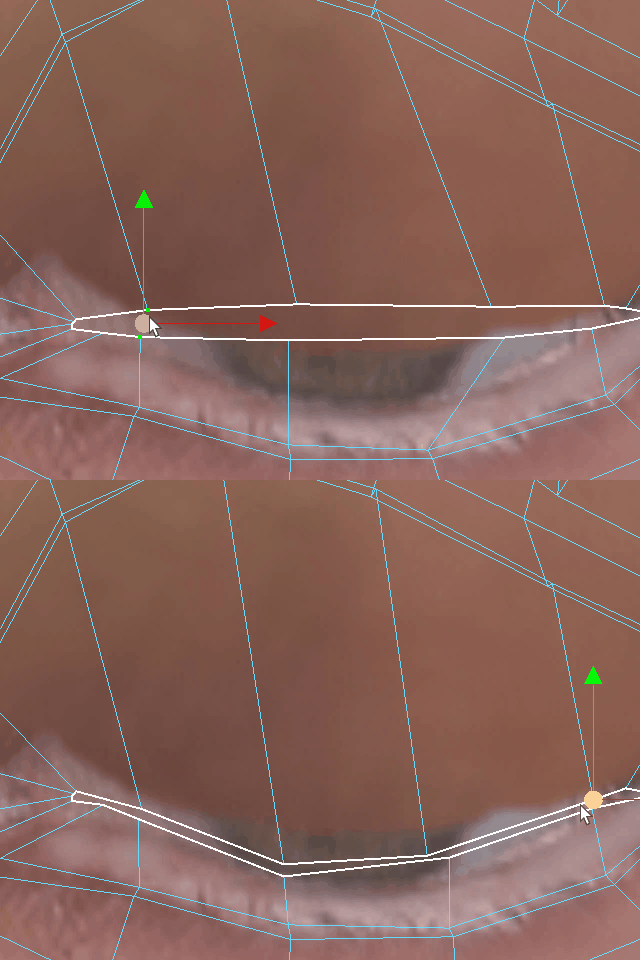
10.
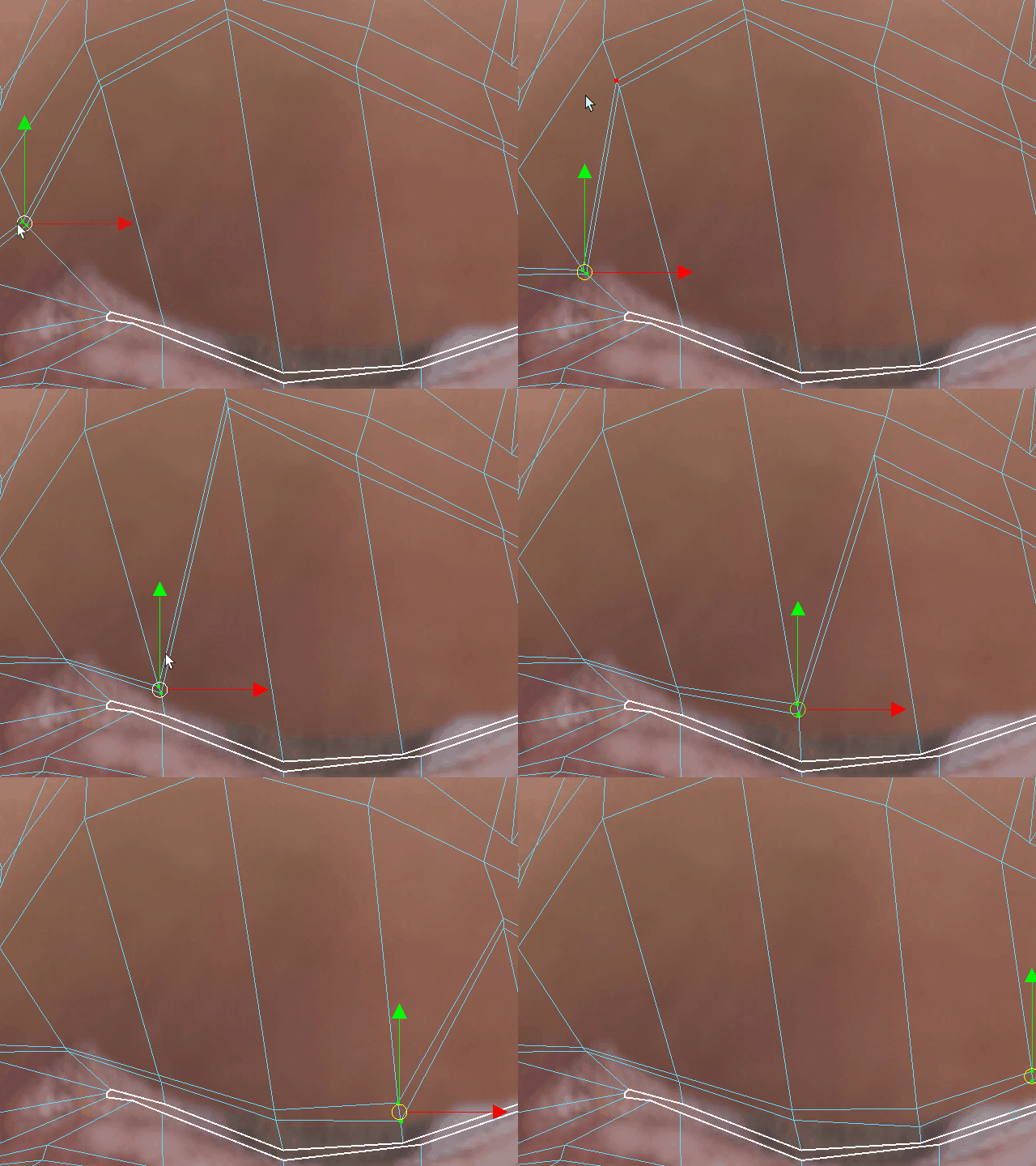
11.
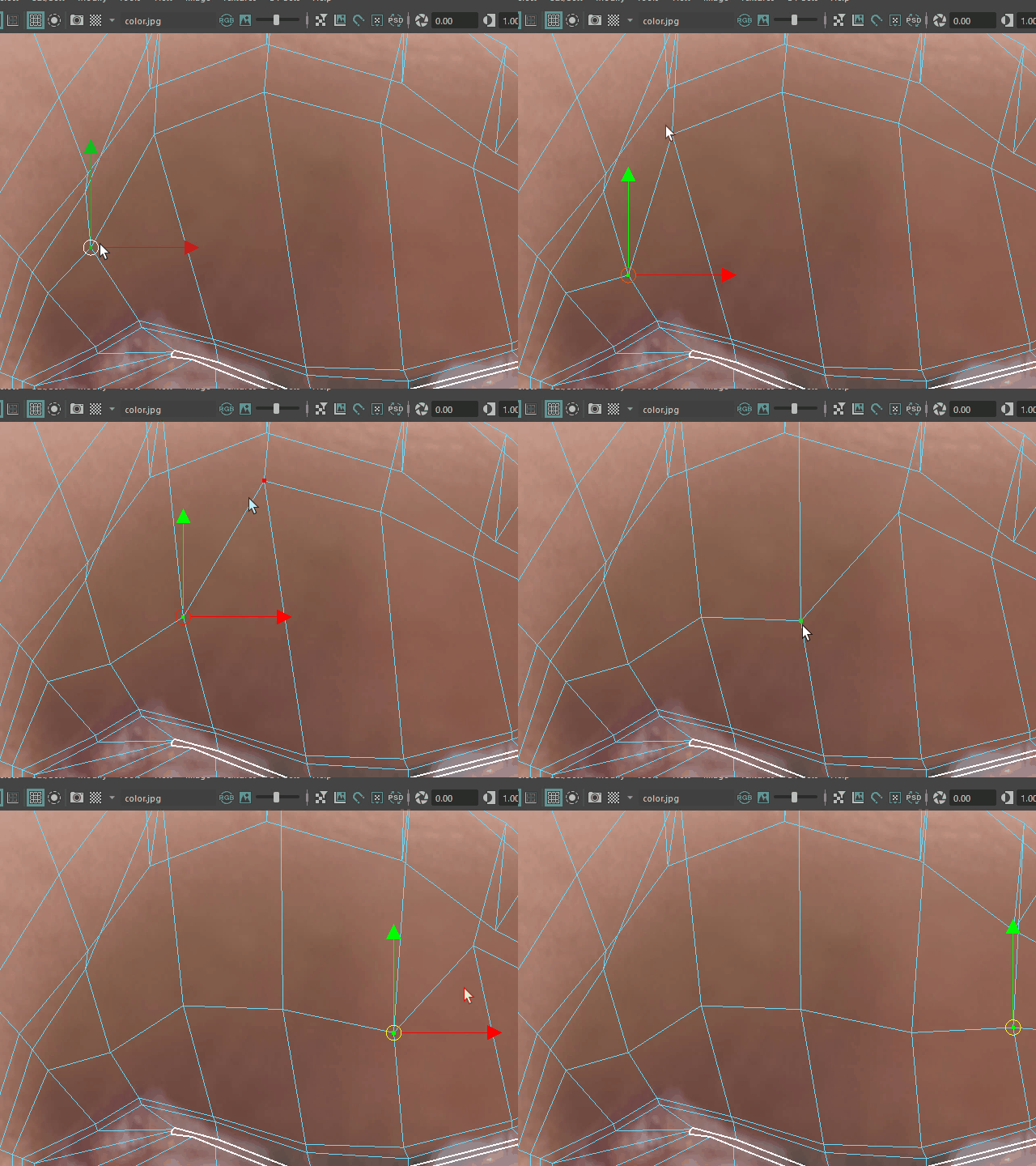
12.
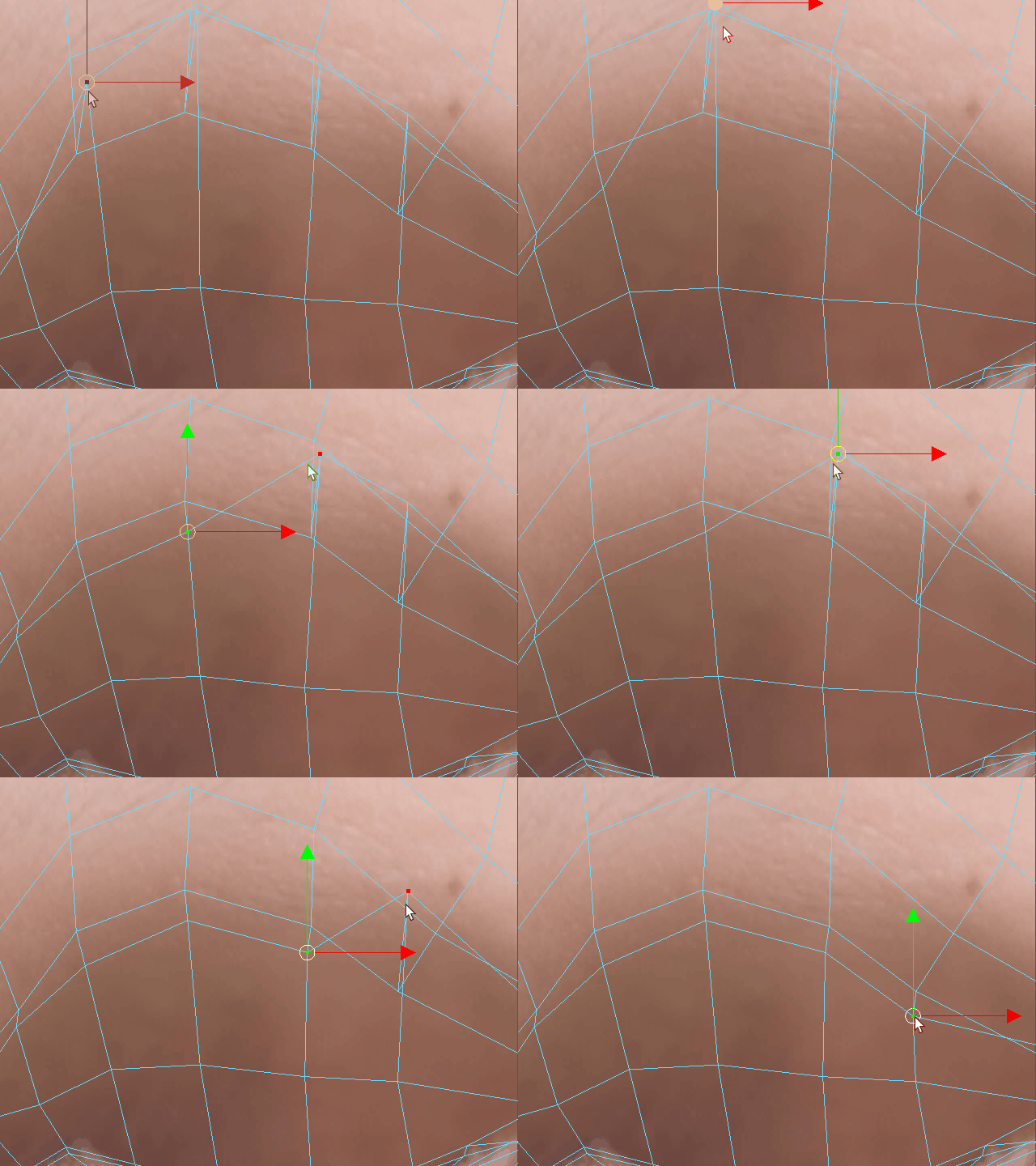
13.
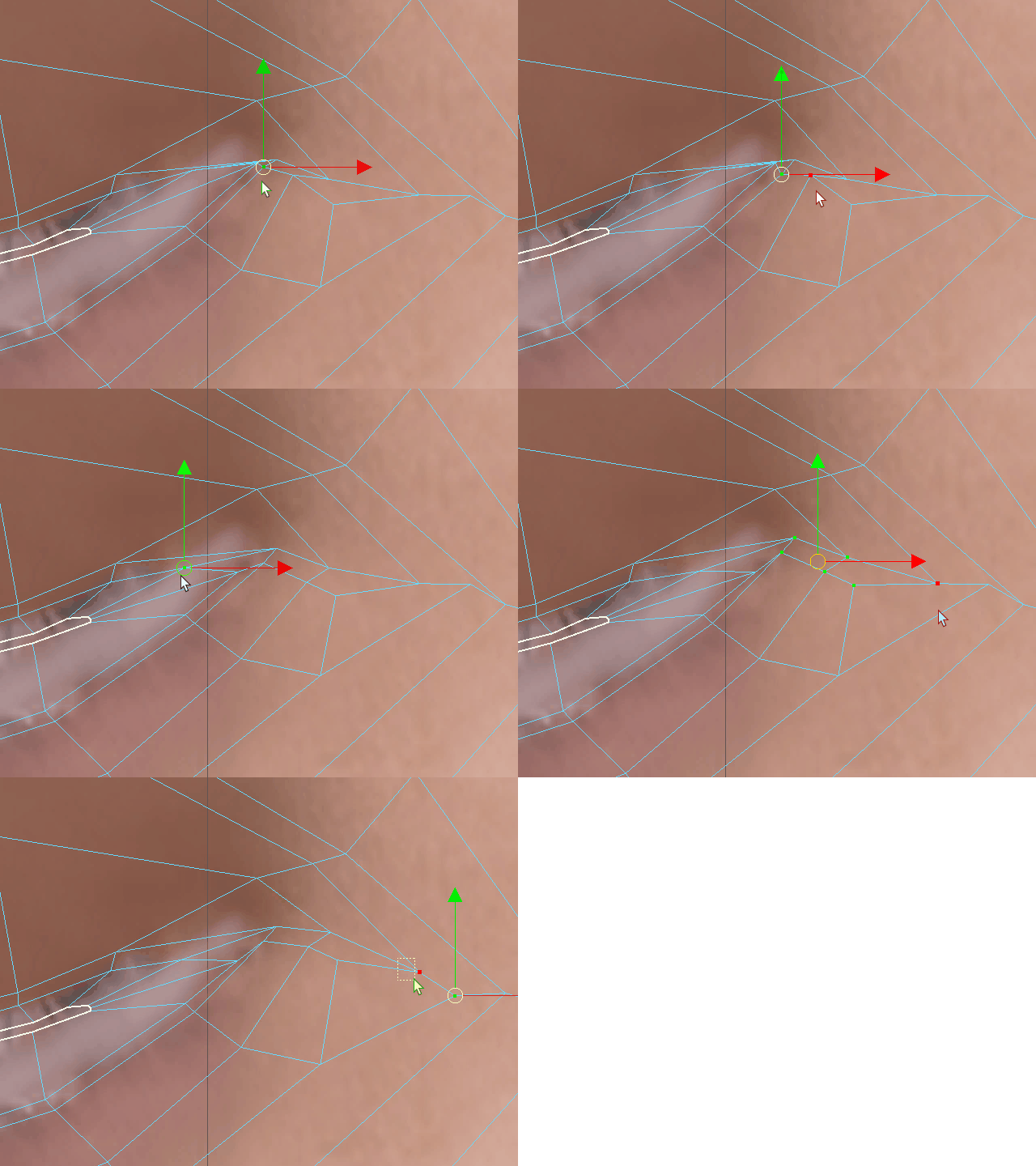
14.
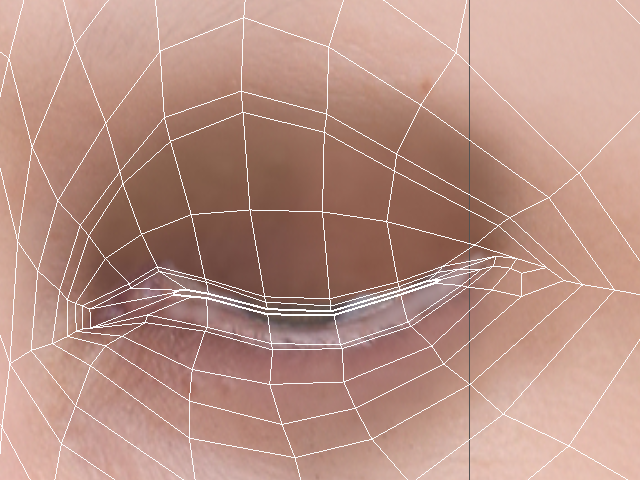
It' going to be like this.
このようになります。
15.
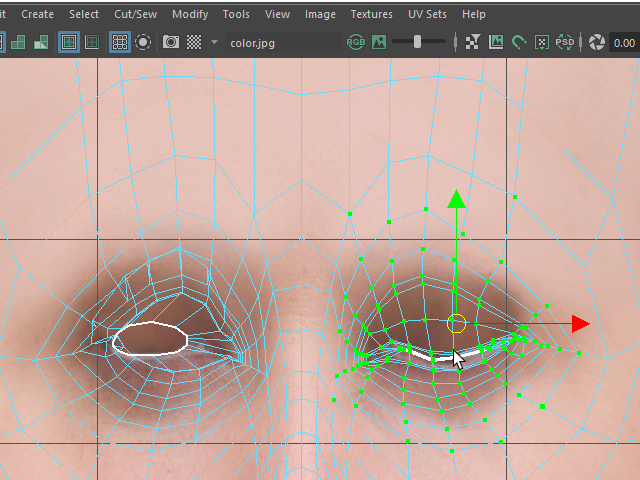
Next, I am going to flip to the left side.
Select the UVs like this.
次に左に反転します。
このように UV をセレクトします。
16.
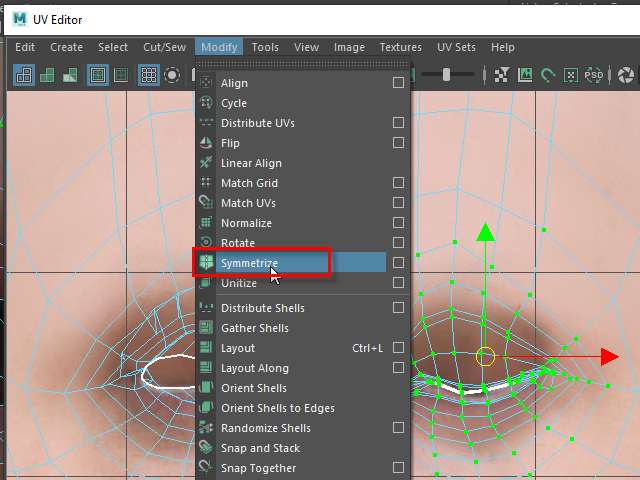
Apply Symmetrize,
Symmetrize を適用し、
17.
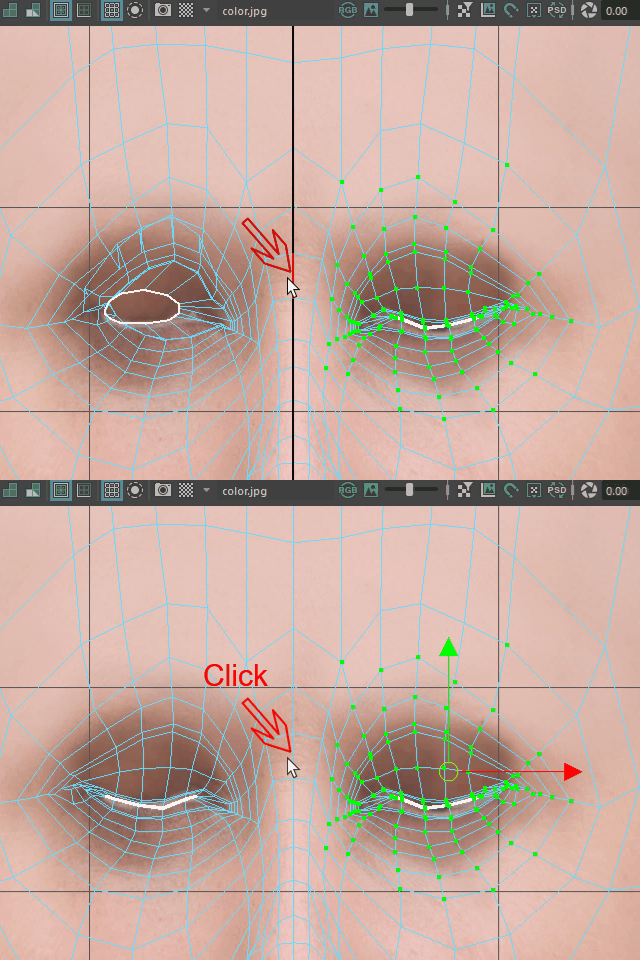
then click the center edge.
中央のエッジをクリックします。
18.
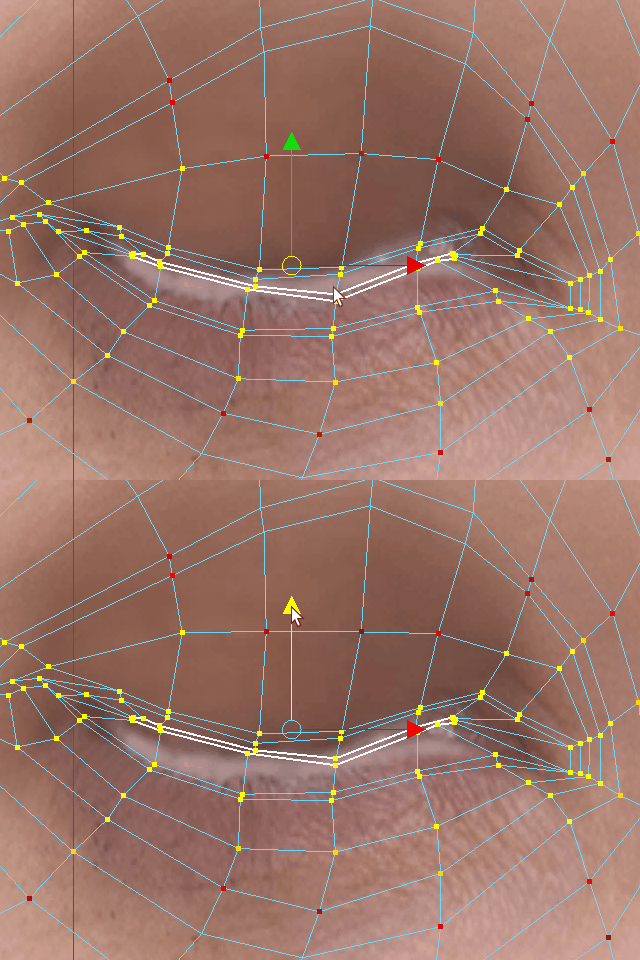
Adjust the shape.
形を調整します。
19.
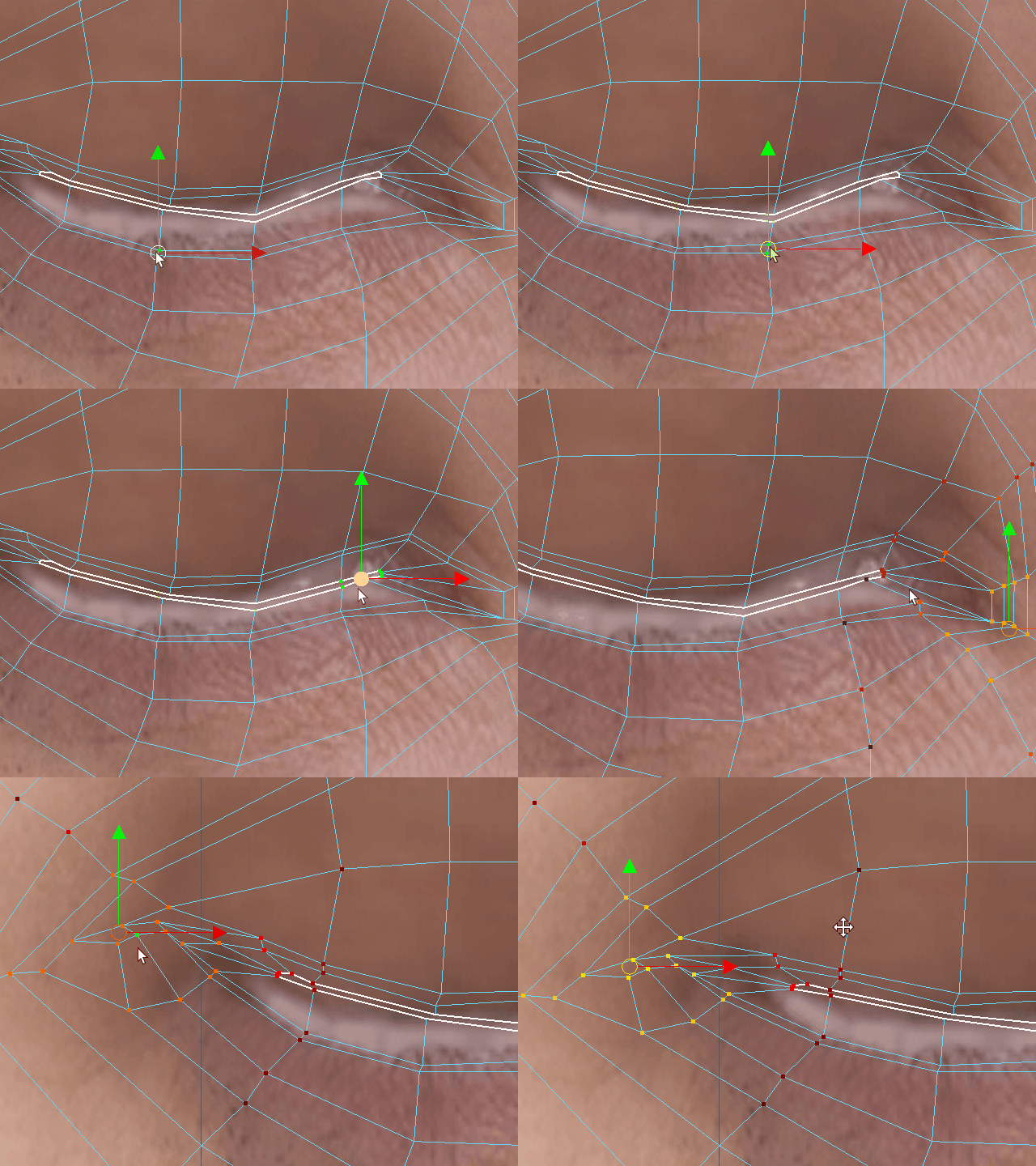
Adjust the shape.
形を調整します。
20.
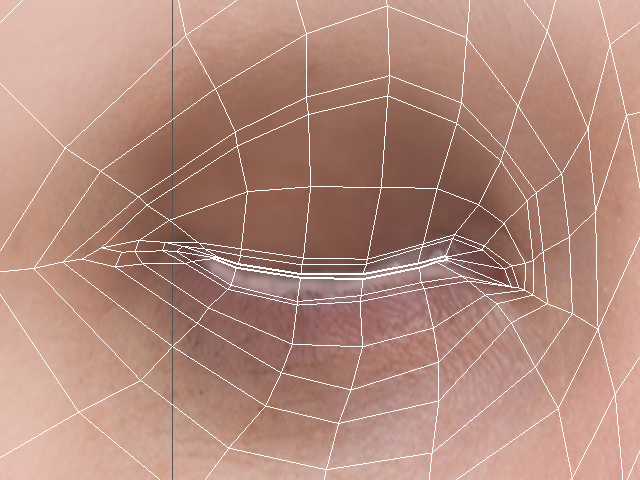
It' going to be like this.
このようになります。