9. Coat Map
コートマップ
1.
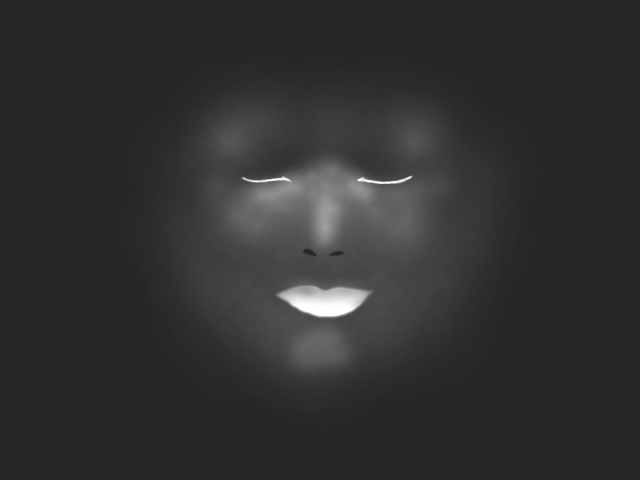
Make a coat map like this.
The lips and the lower eyelid lines are white.
Make sure the nostril is painted black.
The background is not totally black.
It has a little gray in it.
このような Coat マップを制作します。
唇と下のまぶたのラインを白く塗ります。
鼻の穴は黒く塗り潰します。
バックグラウンドは黒ではなく少しグレーが入っています。
2.
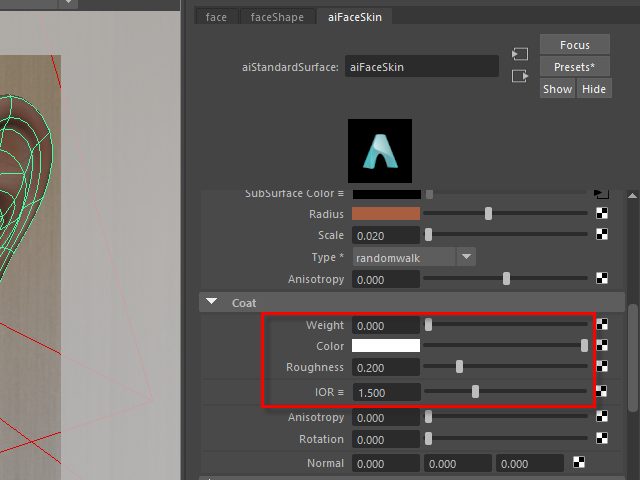
Adjust values.
バリューを調整します。
3.

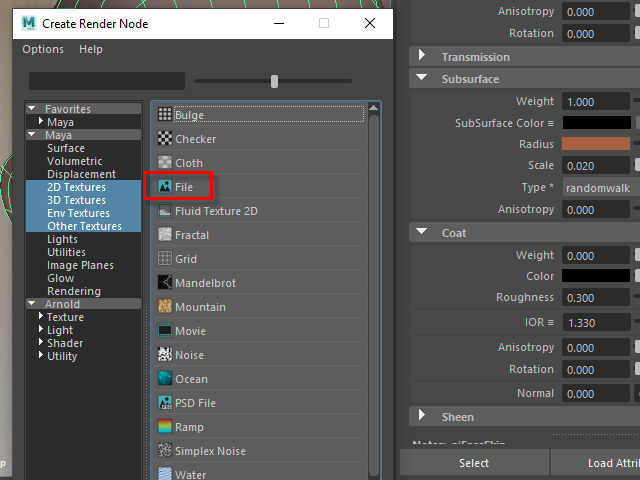
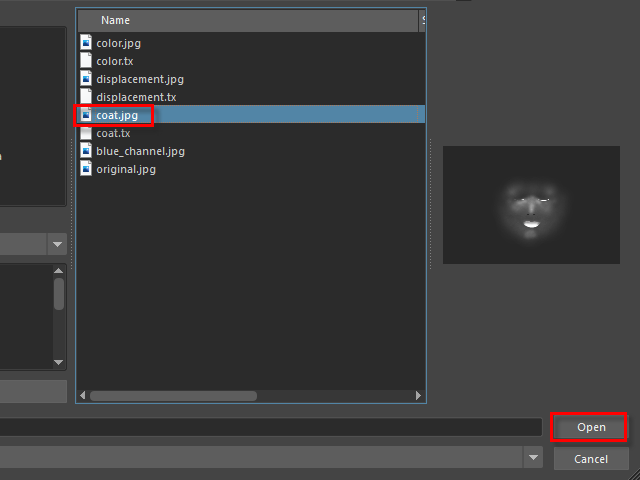
Apply a coat map on Weight.
Coat マップは Weight に張り付けます。
4.
5.
6.
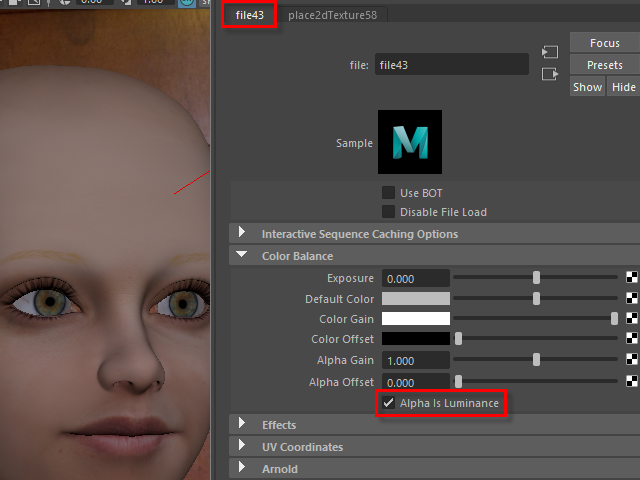
Turn on Alpha is Luminance.
Alpha is Luminance をオンにします。
7.
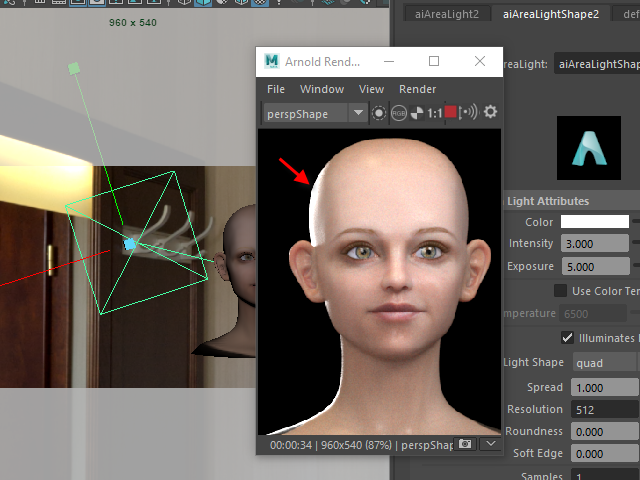
If the specular from the AreaLight is too strong, scale up the AreaLight.
This is one of way to adjust specular.
バックからのAreaLight のSpecular が強い場合は、スケールを大きくして抑える方法もあります。
8.
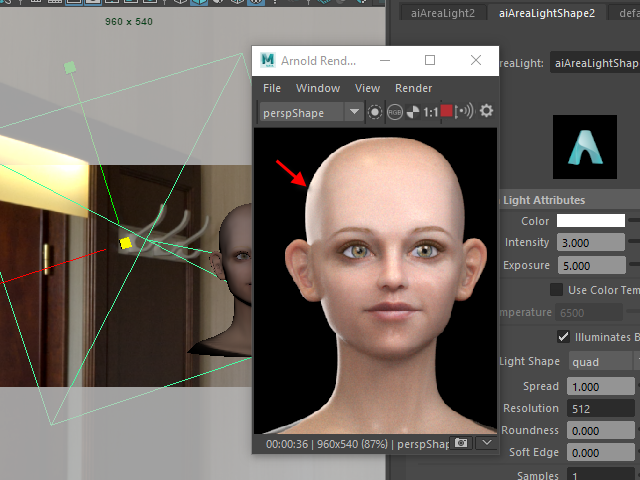
Scale up the AreaLight to reduce specular.
AreaLight を大きくするとSpecular が抑えられます。
9.
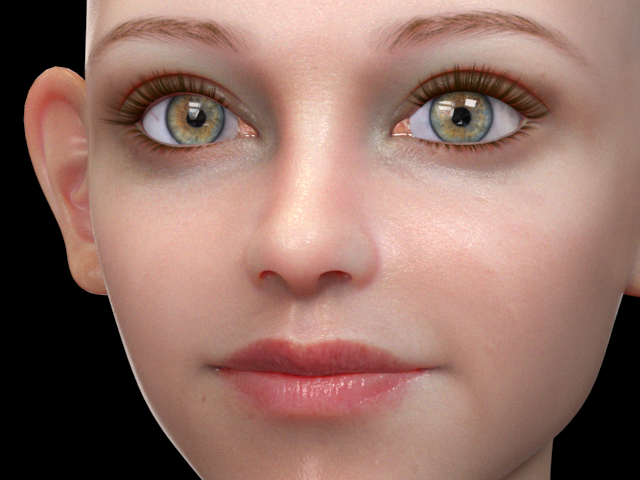
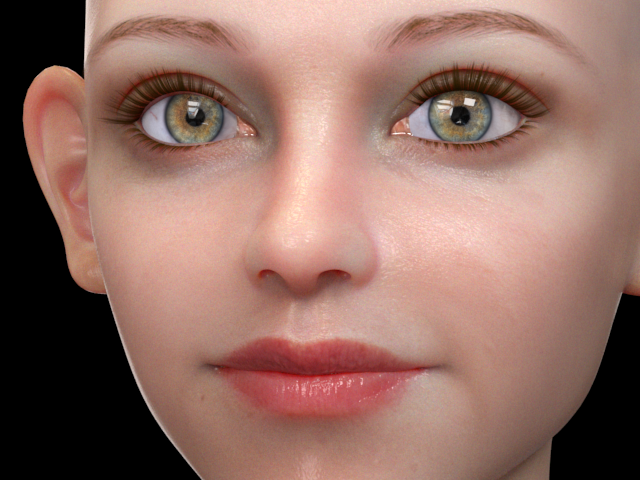
After applying the coat map, the lips look pale.
コートマップを張り付けると唇が少し色あせた感じです。
10.
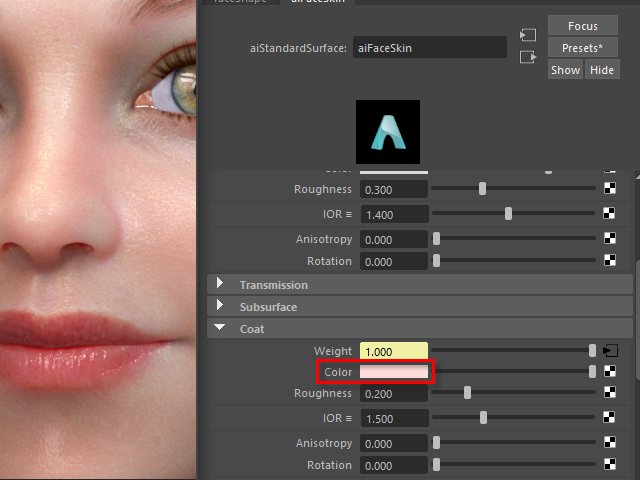
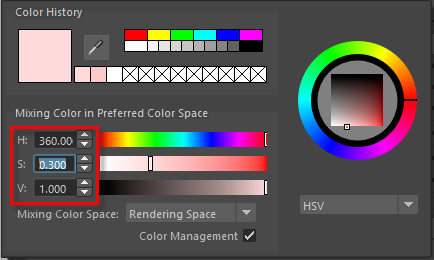
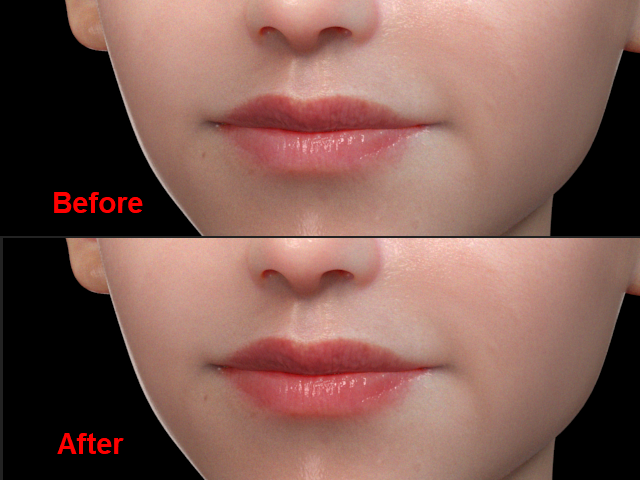
I am going to apply little red on Color.
Color に少し赤い色を入れます。
11.
12.