Skin Alpha Textures
How to create skin textures using alpha textures
1.
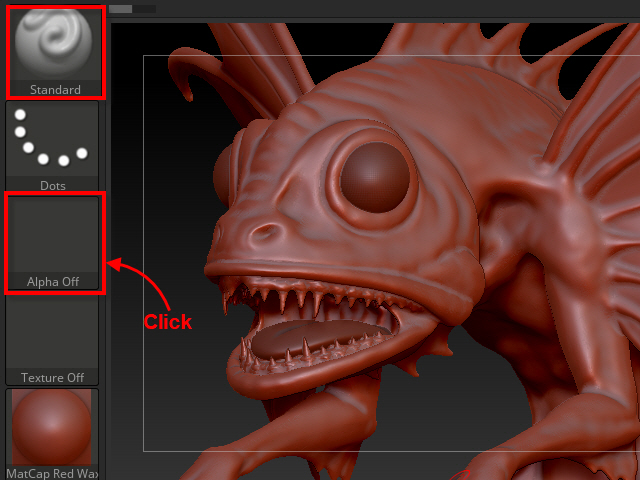
Click the alpha icon to open alpha textures.
Use Standard brush to apply alpha textures.
2.

Select Alpha 30.
3.

Use DragRect to draw.
4.
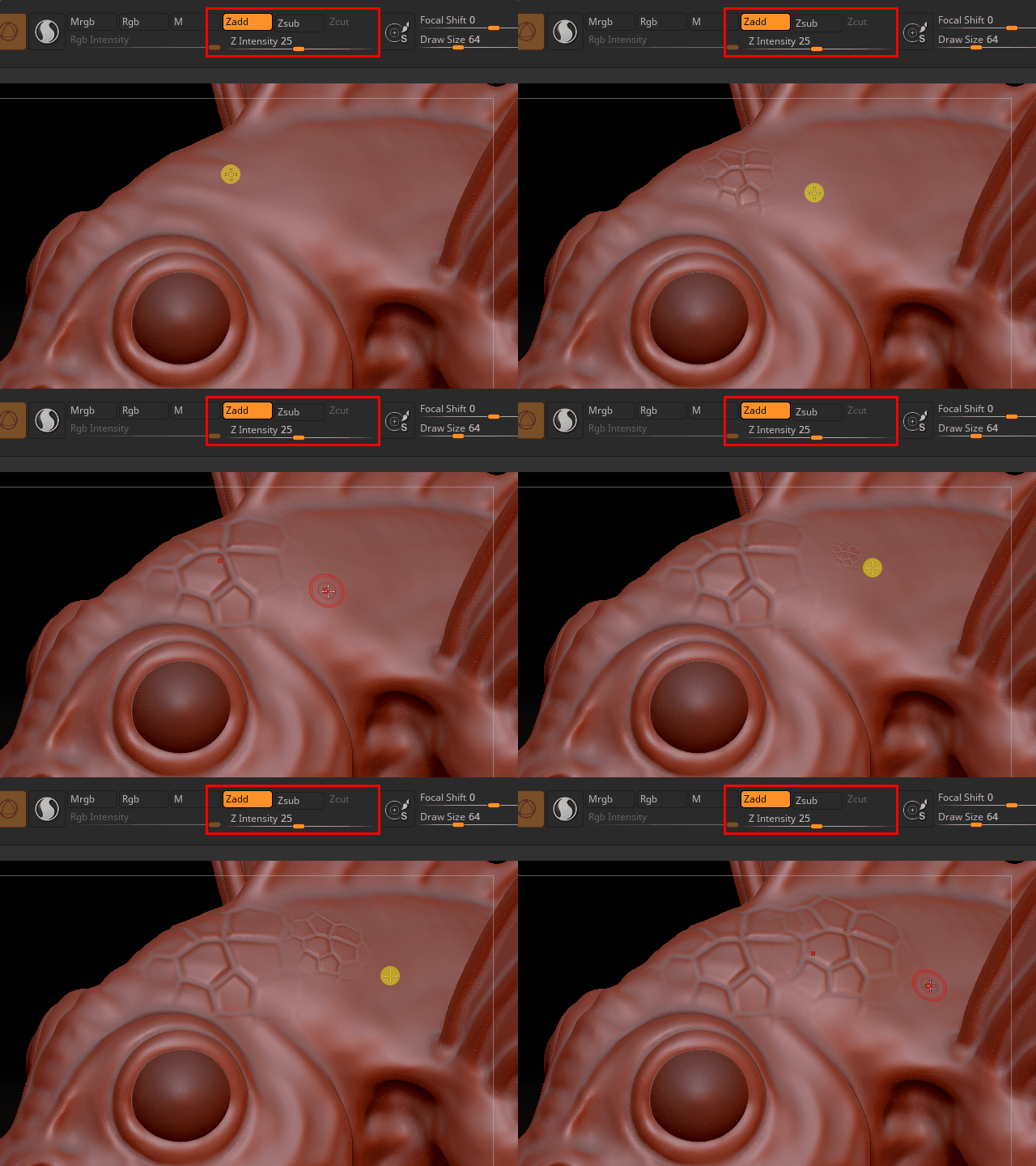
Alpha 30 is for scales.
Also, try other alpha textures.
5.

Alpha 58 is good for small wrinkles.
6.
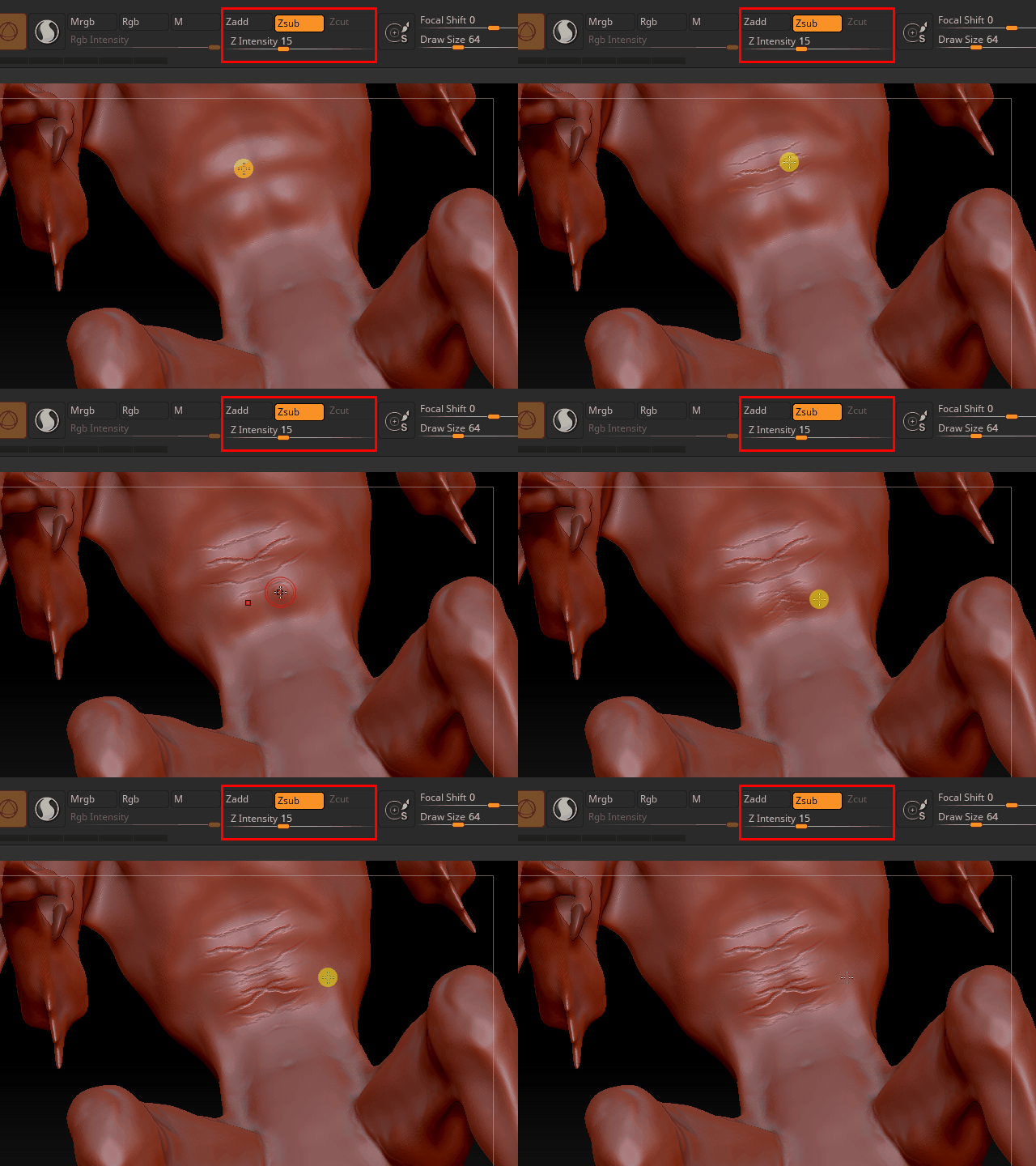
Alpha 58 is good for small wrinkles.
7.

Serch "reptile alpha texture"
8.

This site has some good alpha skin textures.
https://www.artstation.com/artwork/VV215
Also go to
http://pixologic.com/zbrush/downloadcenter/alpha/
9.
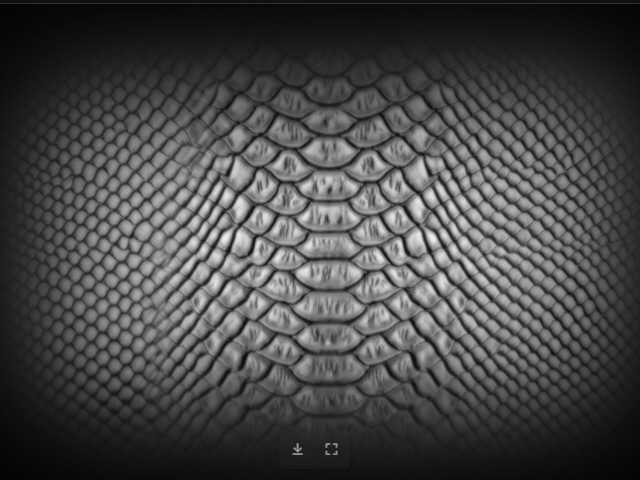
Save textures you like.
10.

To open the saved textures, click the Import button.
11.

I am going to apply this texture.
12.

I am going to apply the texture on the back but I don't want to apply on the fins so I masked the fins.
13.
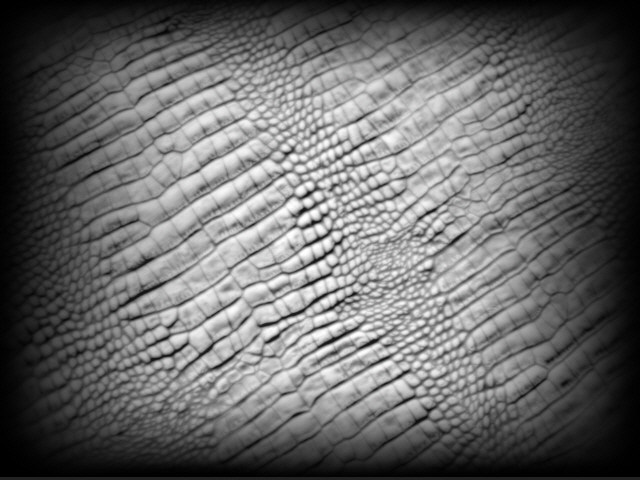
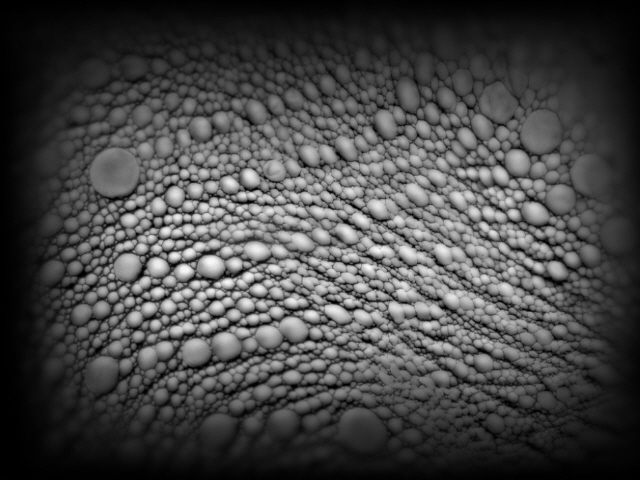
Use different textures on different places.
14.

15.
16.
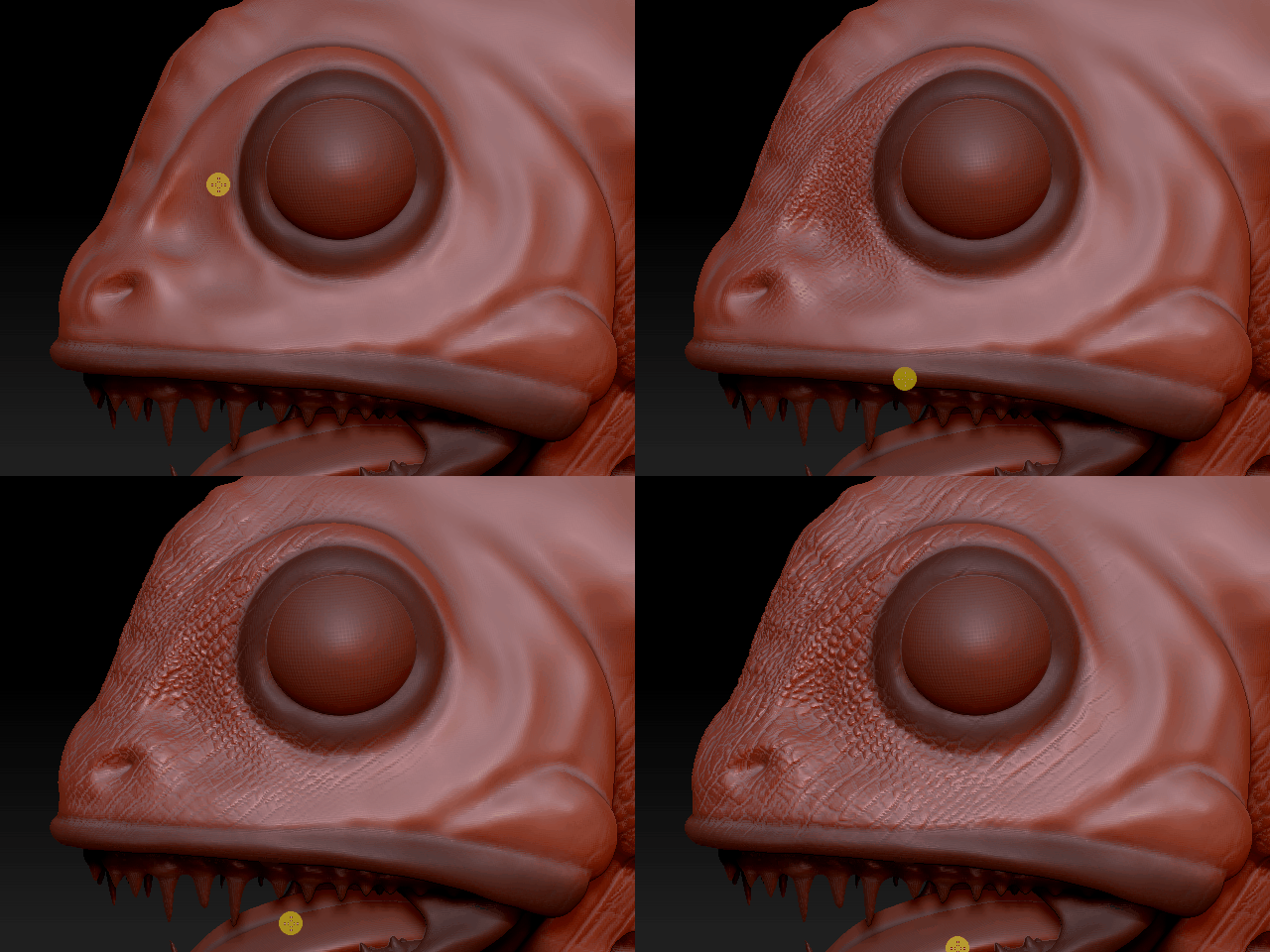
I don't want to apply the texture on the eyes and the mouth so I masked them.
17.
