14 Pole Vector

Pole vector control an elbow or knee.
It will be applied on top of the IK handle.

1.
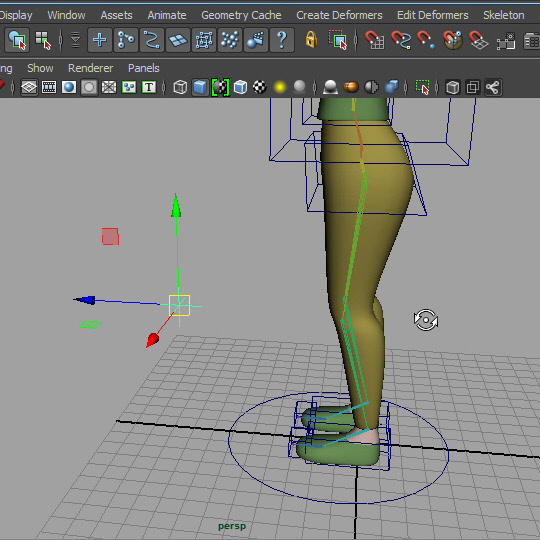
Create a locator.
2.
A locator is just an object made of the lines.
I am going to use it as a controller.
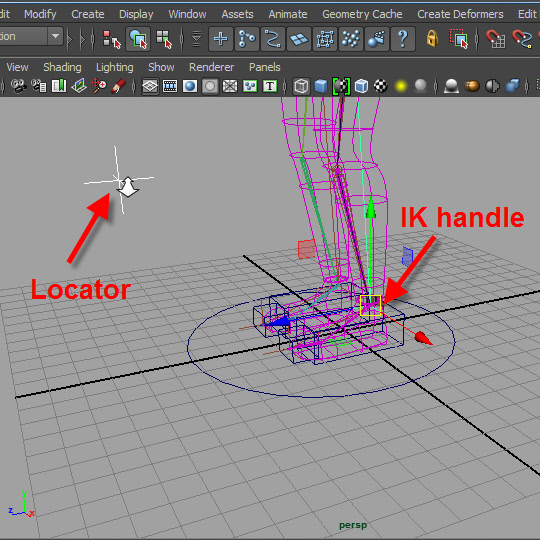
3. Place the locator in front of the left knee.
4.
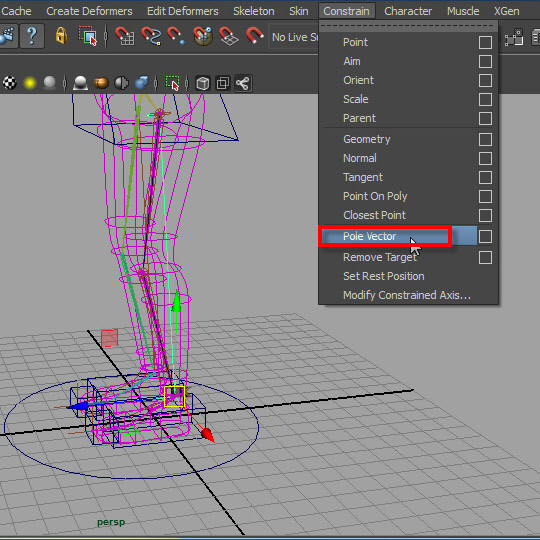
Select the locator first then select the IK handle.
Apply the Pole Vector.
Now the locator control the direction of the knee.
Apply a pole vector on the right knee in the same way.
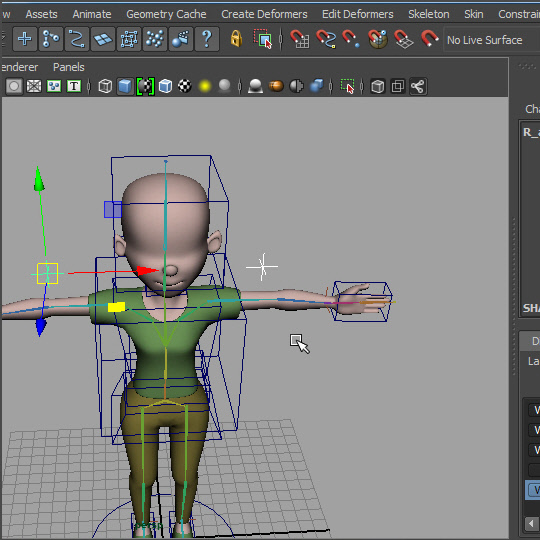
5.
Apply pole vectors on the elbows in the same way.
-14-