1 Leg Joints

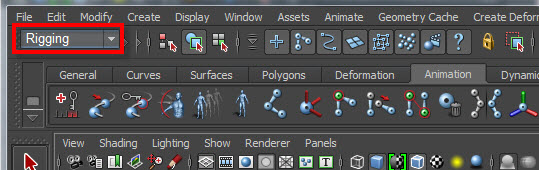
Change to Rigging Mode
1.
A joint is like a bone.
I am going to set up the joints inside the skin (body).
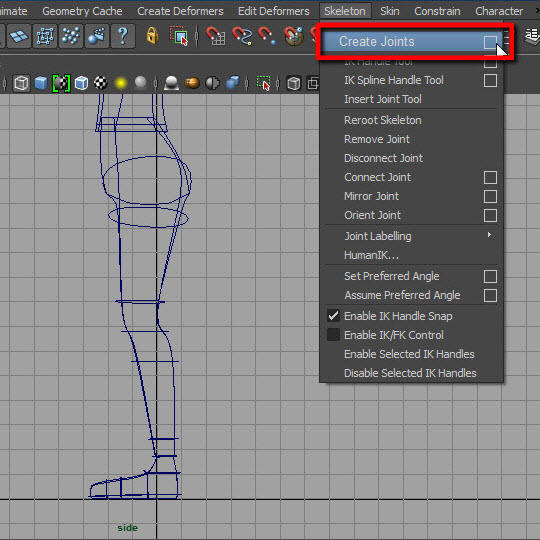
Go to skeleton > Create Joints
3.
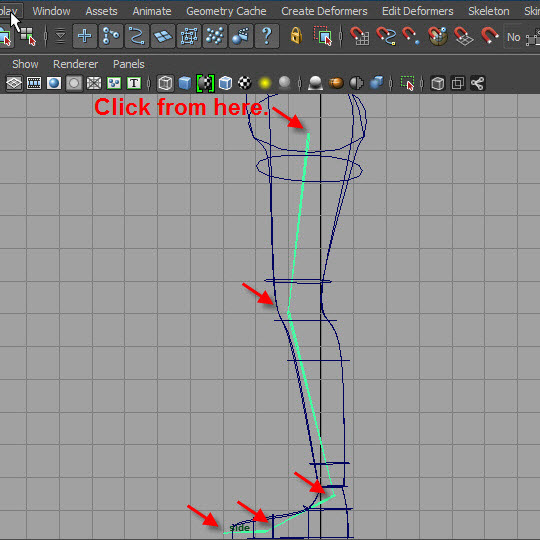
The illustration above shows the location of the joints.
Click from the top to bottom.
4.
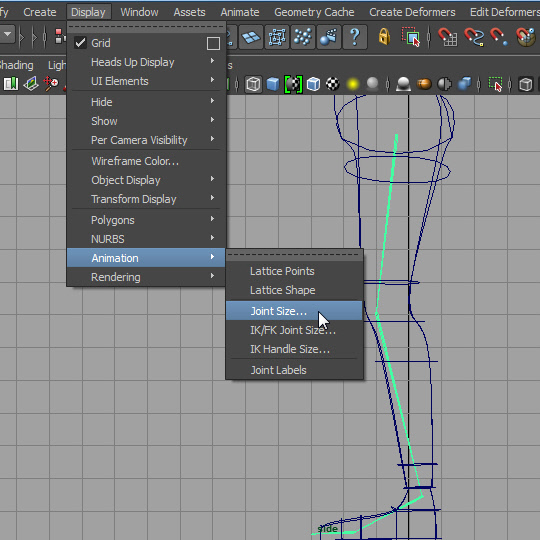
Adjust the joint display size.
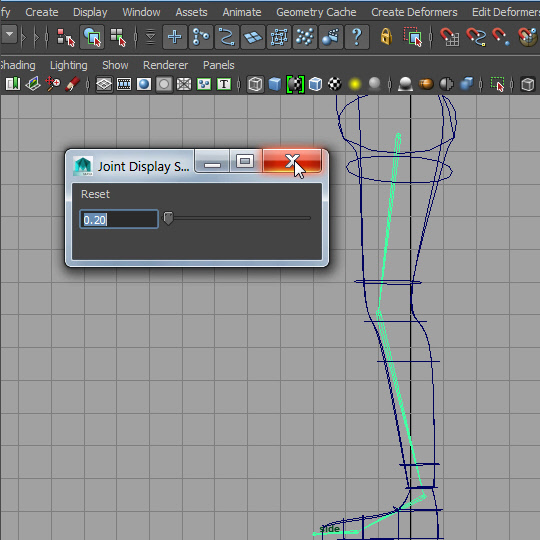
5.
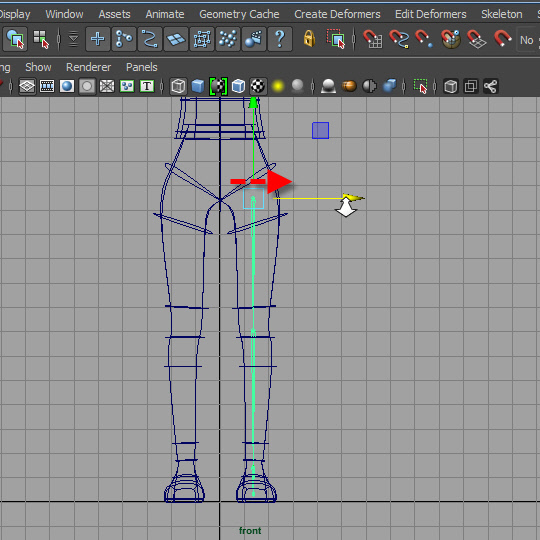
6.
Move to the left leg by selecting the top joint.
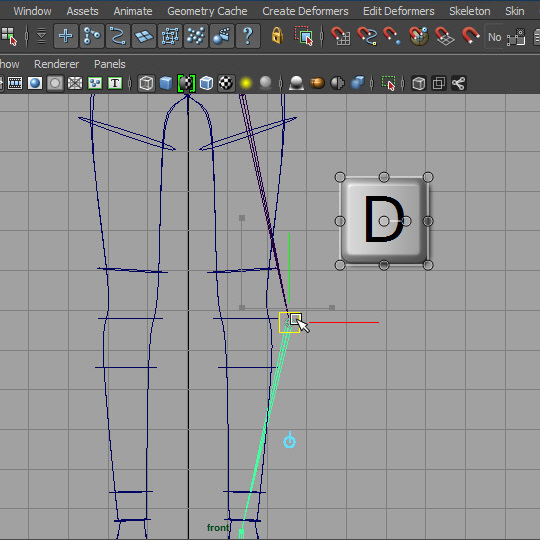
7.
To adjust the location of the joint, press and hold D and move.
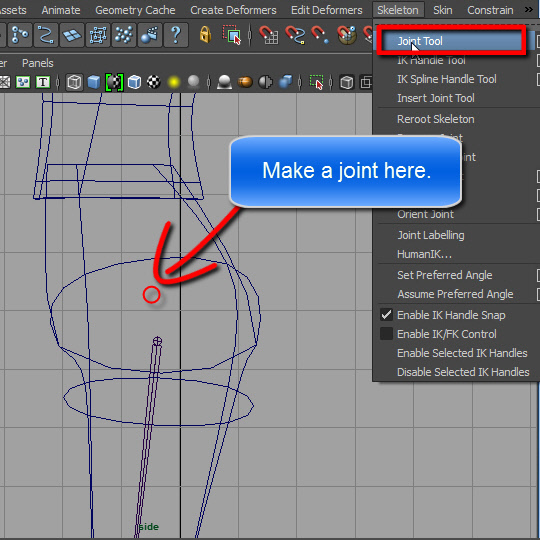
8.
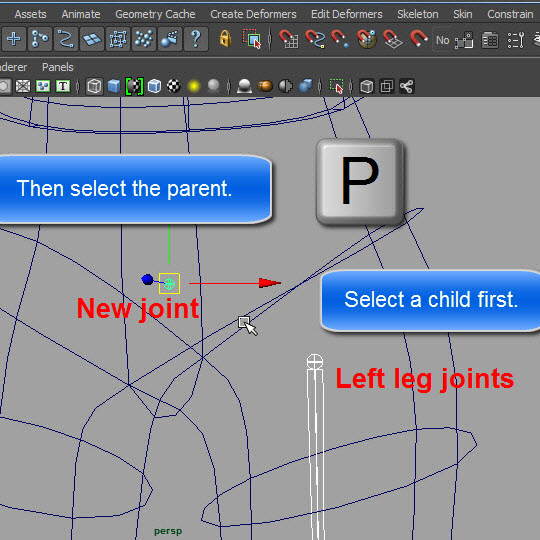
Make a new joint. Just click one time. It's like a dot.
9.
Now connect the new joint and the left leg joints.
The new joint will be the top of the hierarchy.
Select the left leg joints (child) first then, select the new joint (parent).
Press P to make hierarchy.
10.
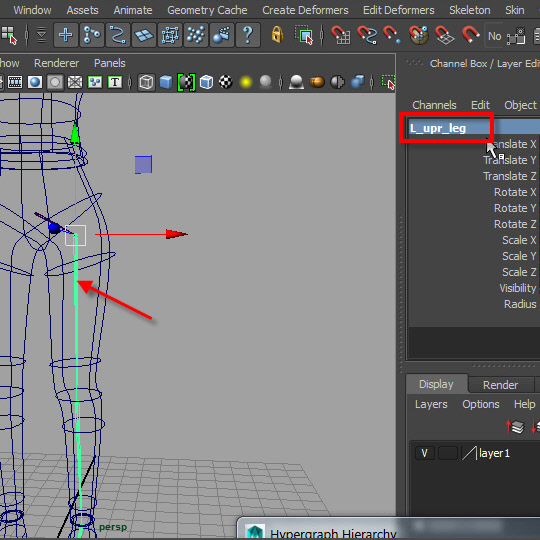
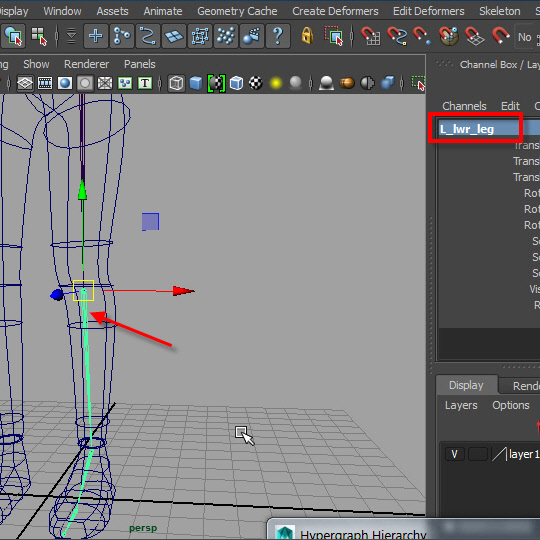
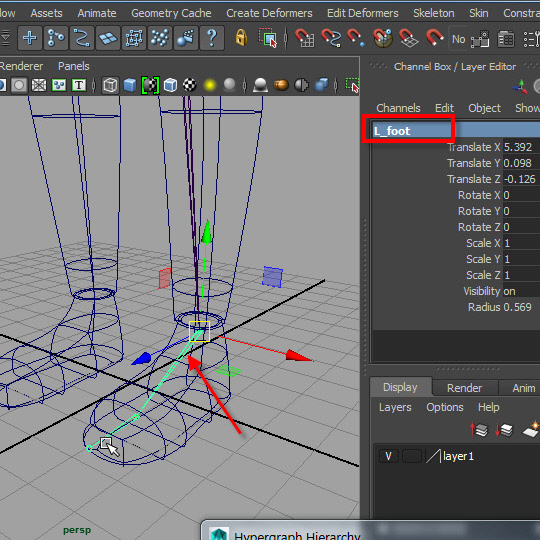
Rename the joints
11.
12.
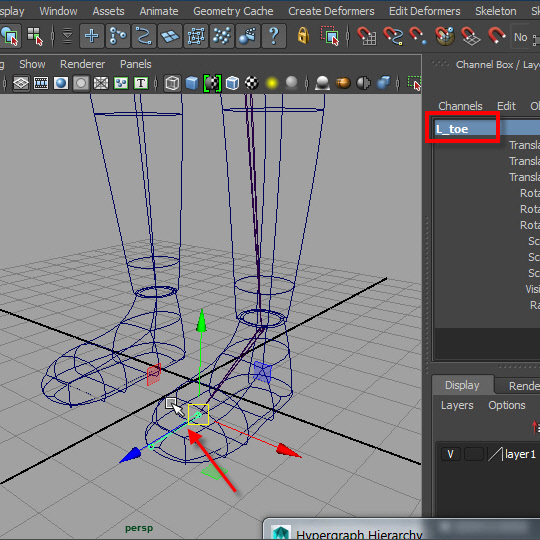
13.
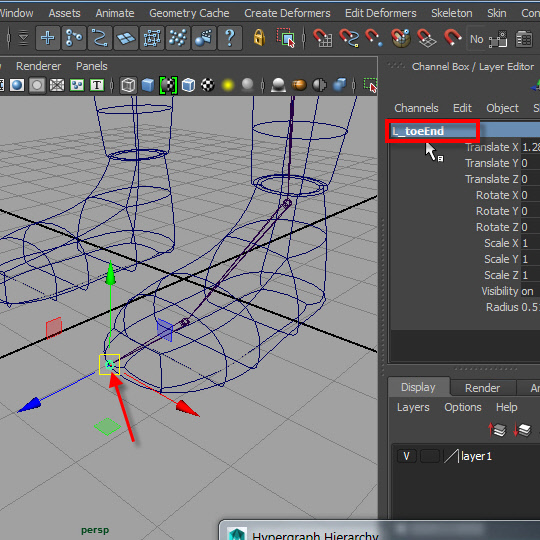
14. This end joint do nothing. Anyway just rename it.
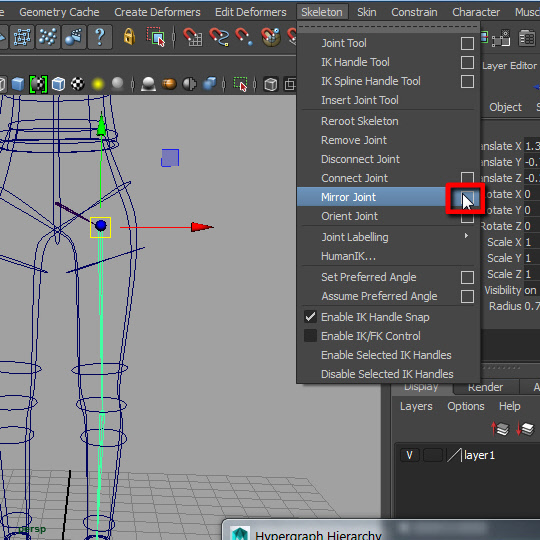
15.
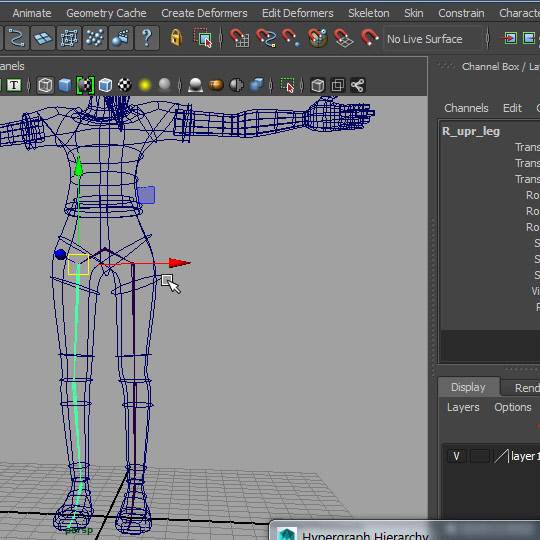
Now I am going to mirror the joint.
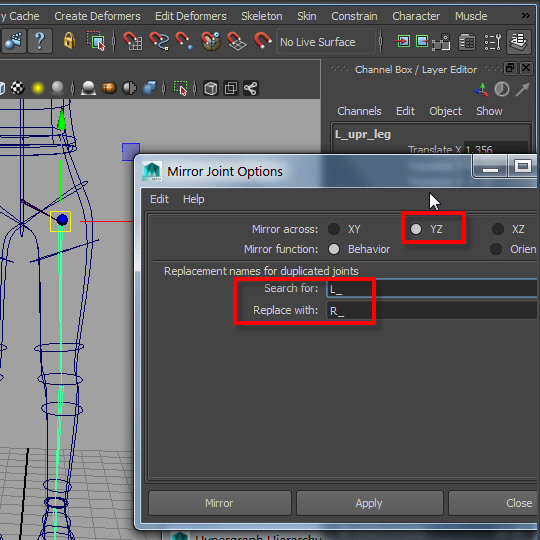
16.
YZ plane for X axis.
Replace name by typing L_ and R_ for in the box.
17.
-1-