2 Spine Joints

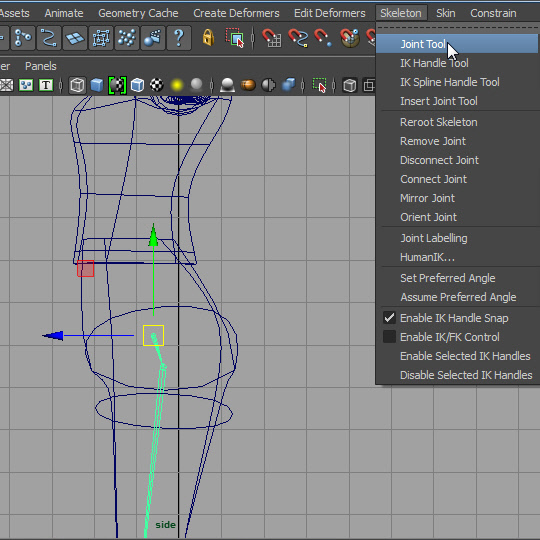
1. Now I am going to extend the joint from pelvis to back bone.
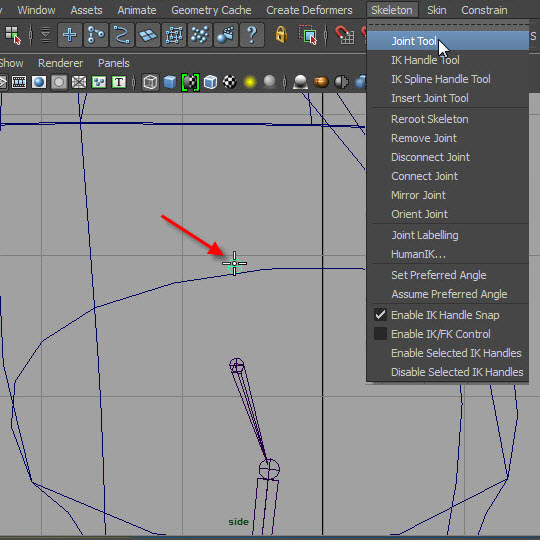
2. Before I make back bones, the leg joins need to be extend one more time.
Click on the above the leg joints.
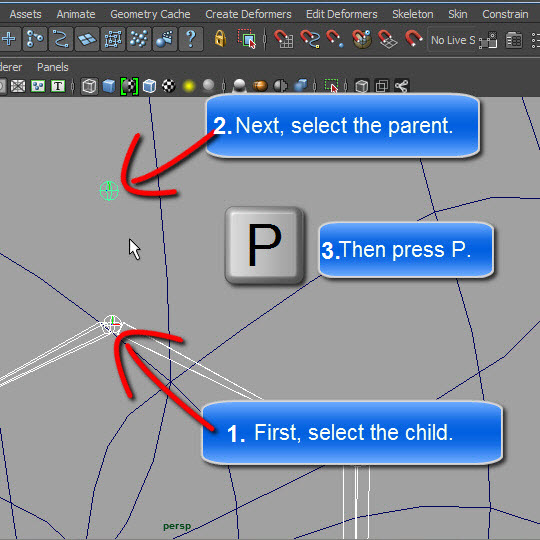
3. The new joint will be the top of the hierarchy.
Select the leg joints (child) first then select the new joint (parent).
Press P
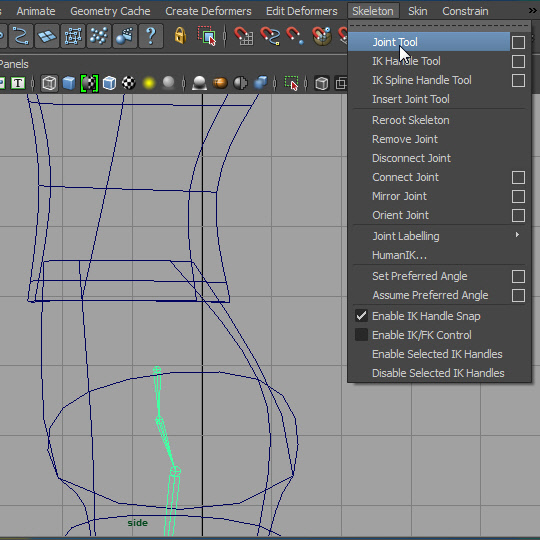
4. Now I am going to add back bones.
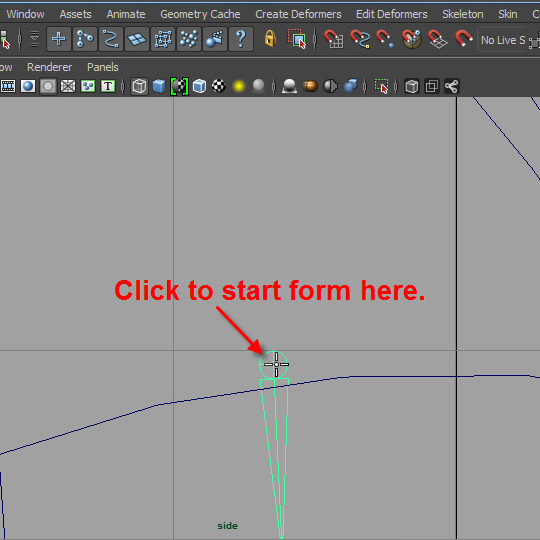
5. Click the top of the existing joint to start the new joint.
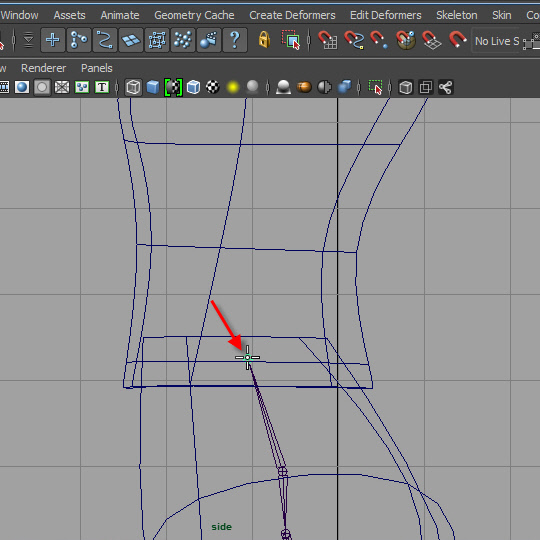
6. Next, click the waist area to add the next joint.
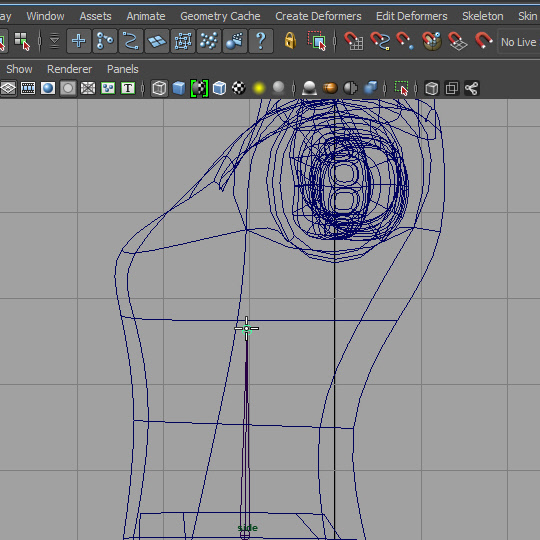
7. Click the chest area to add the next joint.
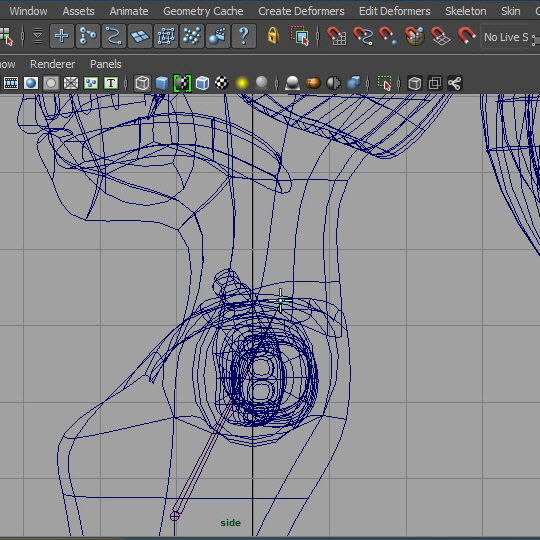
8. Click the bottom of the neck to add the neck joint.
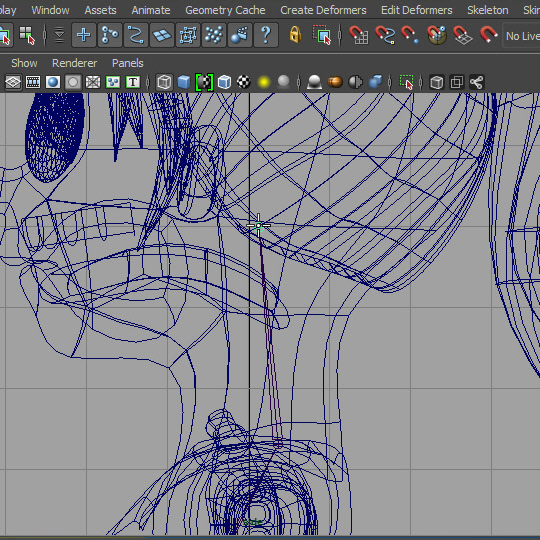
9. Click behind the ear like the picture above.
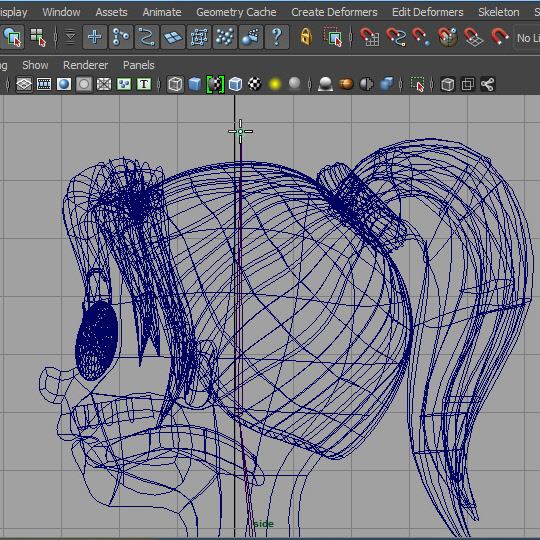
10. Click the top of the head.
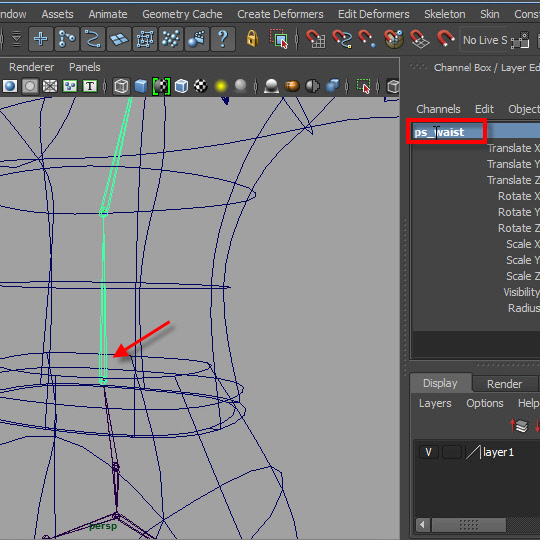
11. Rename the joints.
( I renamed ps_ . That's mistake. It should be sp_ . sp stands for spine)
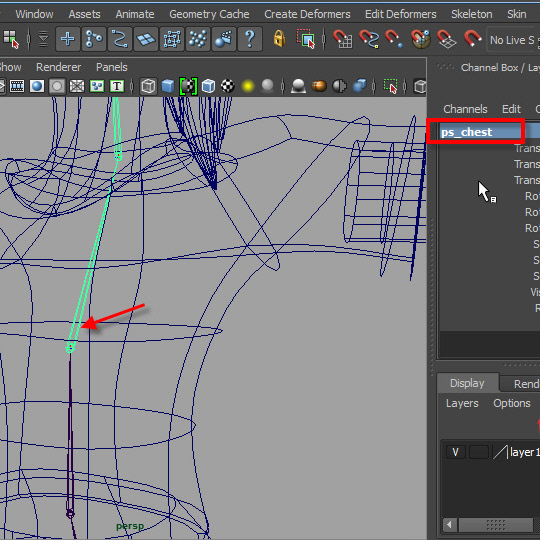
12.
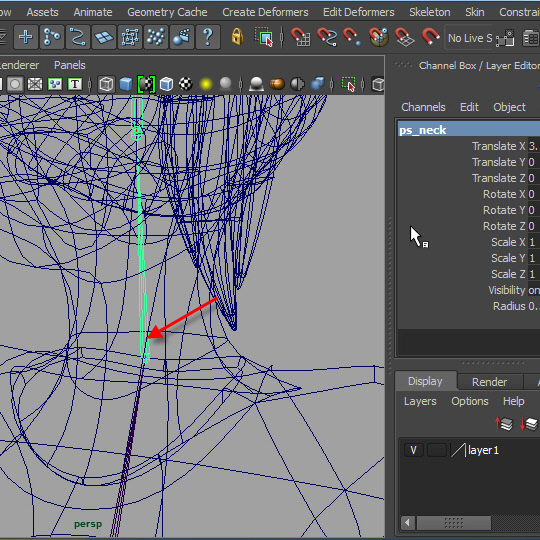
13.
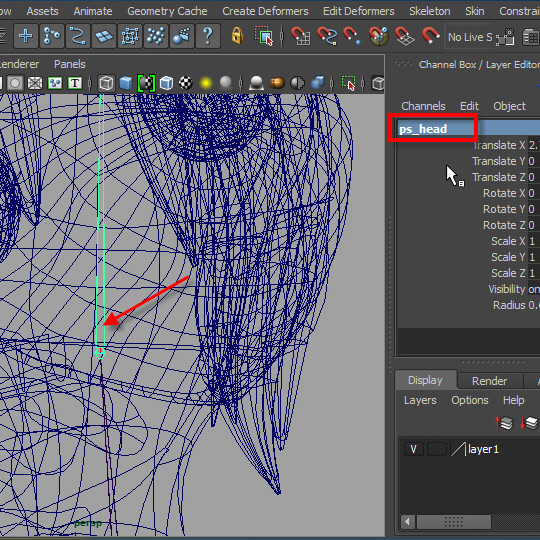
14.
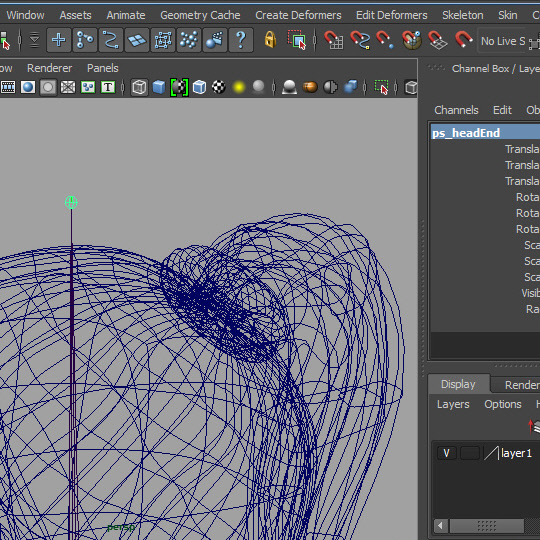
15.
-2-