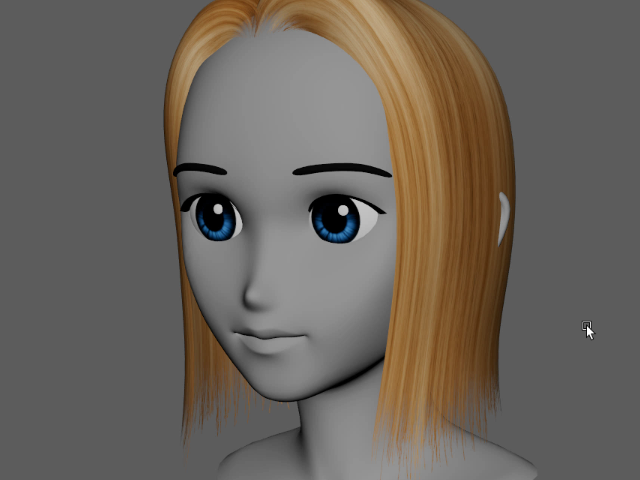
4. Single Texture
一枚のテクスチャを張り付ける

1.
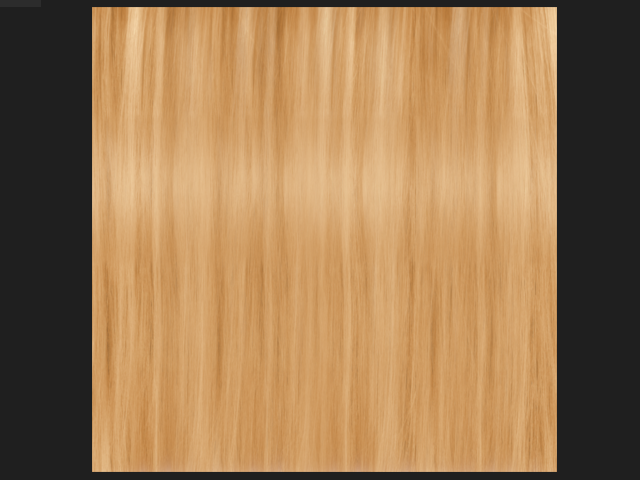
I am going to apply a texture like this.
Download textures
このようなテクスチャを張り付けてみます。
テクスチャをダウンロード
2.
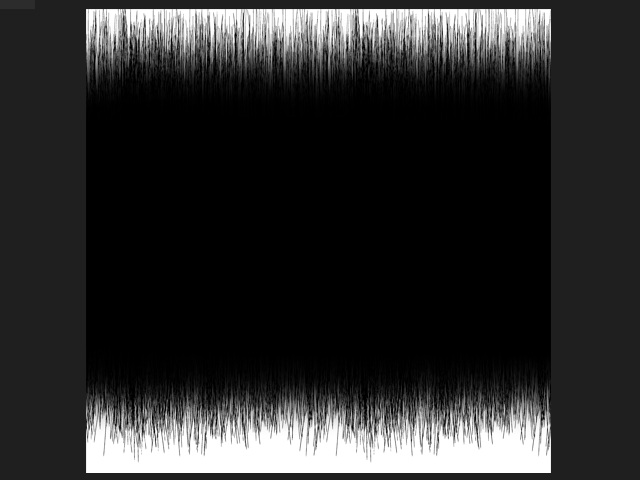
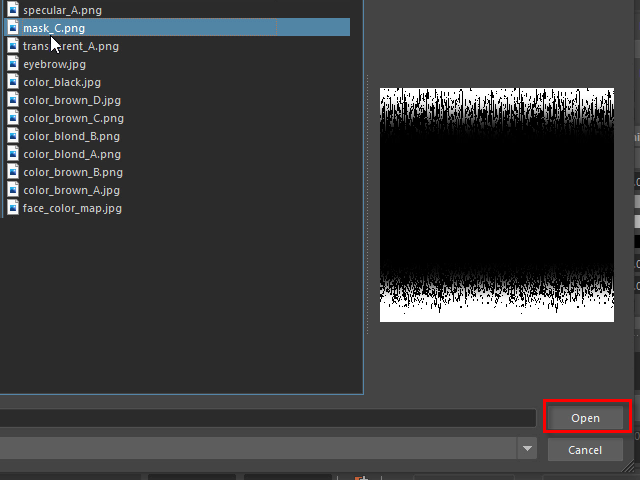
I am going to apply a transparency map like this.
このようなマスクを張り付けてみます。
3.
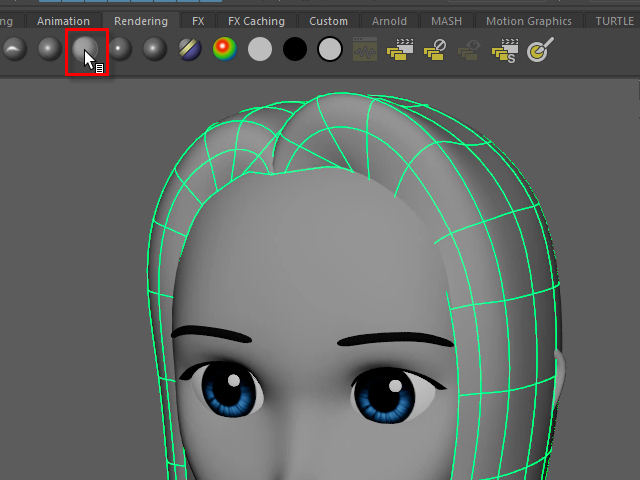
Assign a new material.
To make shinny hair apply Blinn or aiStandardSurface.
新たにマテリアルを貼り付けます。
光沢を表現を表現したい場合は、Blinn または aiStandardSurface を貼り付けます。
4.
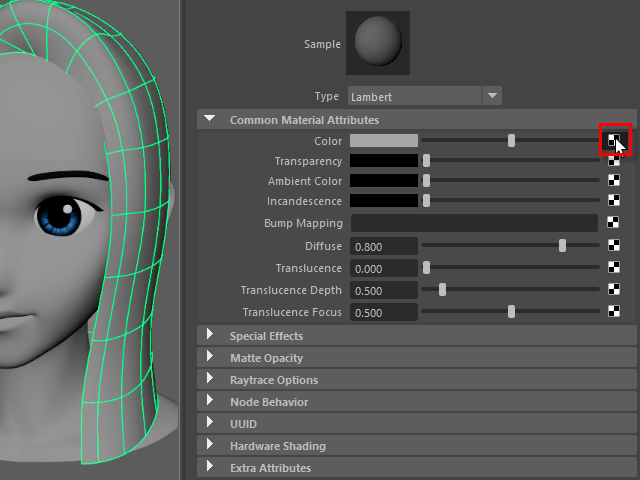
Apply color map.
5.
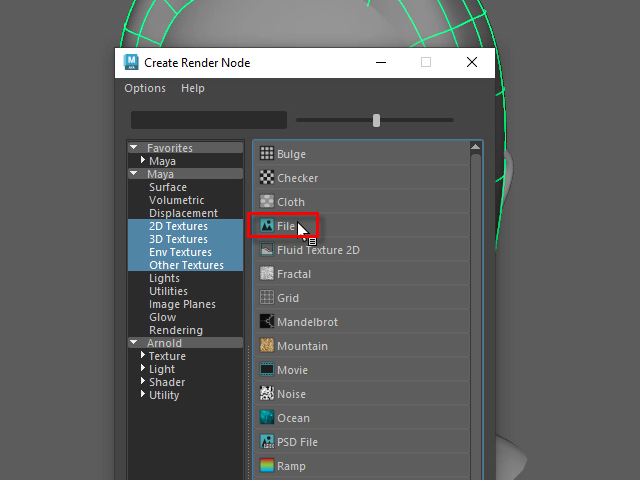
6.
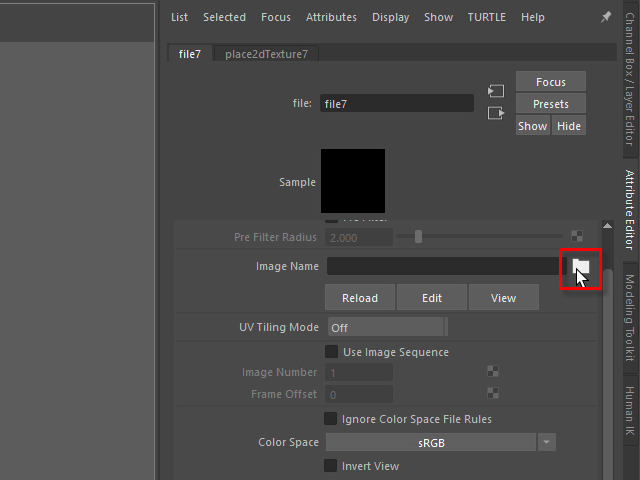
7.
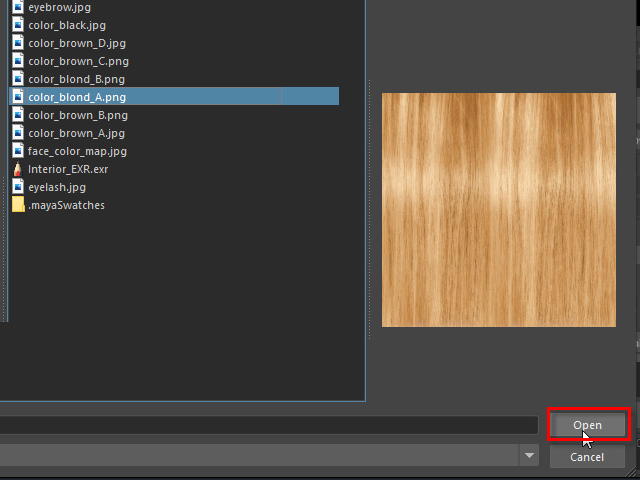
8.
9.

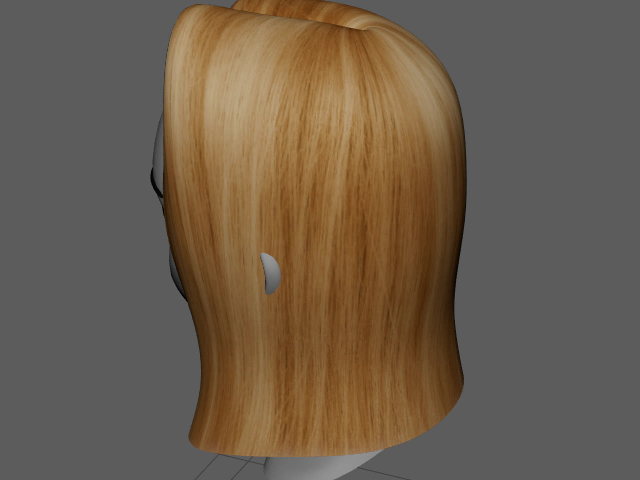
Repeat U direction to change texture density.
10.

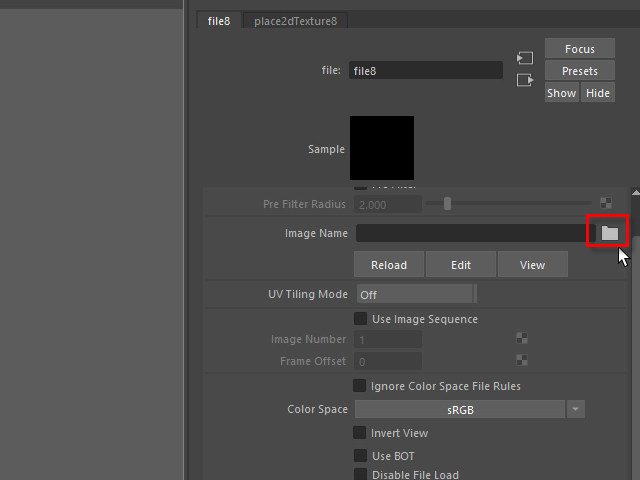
Apply transparency map.
11.

12.
13.
14.
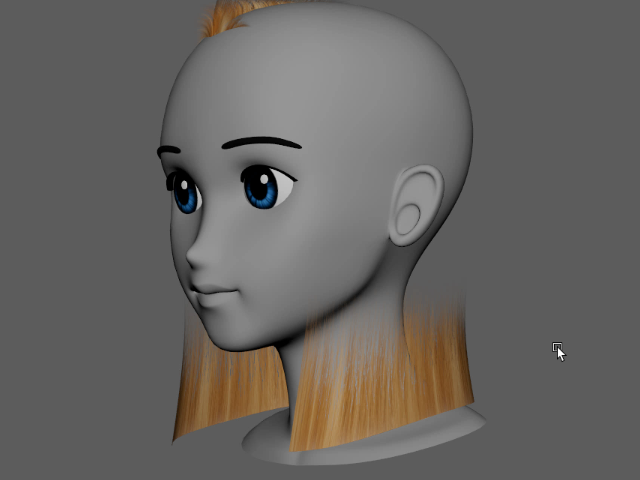
The texture need to be reversed.
15.
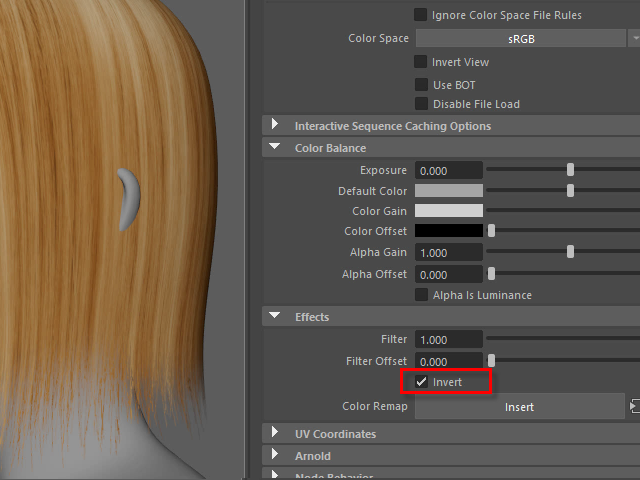
Invert the texture.
16.

17
 Repeat the transparency map like the color map.
18.